
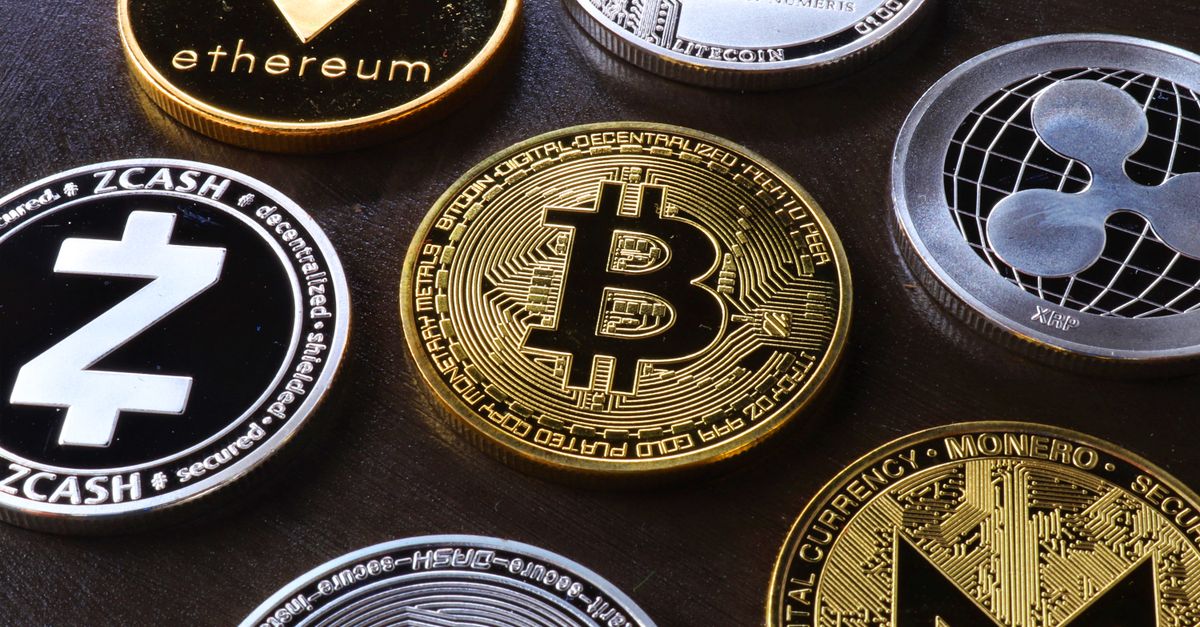
Yes, HelloSIM accepts Monero. Choose "Pay with crypto" at checkout, select XMR on the payment page and send the exact amount shown from your Monero wallet; the eSIM is issued once the payment is confirmed on the blockchain.
Monero is one of about 100 coin and network options available. This guide keeps to the practical side: how the payment works, what HelloSIM needs from you, and what Monero users in particular should check before sending.
How to buy an eSIM with Monero
- 1On the HelloSIM website or in the iPhone or Android app, choose the plan you need. Prices are shown in euros.
- 2Go to checkout and enter an email address. The eSIM is delivered there.
- 3Select "Pay with crypto". This opens a secure hosted payment page run by HelloSIM's crypto payment processor.
- 4Choose Monero (XMR). The page converts the euro amount into XMR at that moment and shows an address, a QR code and the amount to send.
- 5Open your Monero wallet and scan the code, or paste the address and type in the exact amount. Then send.
- 6After confirmation, HelloSIM issues the eSIM: you will find it in your account or the app, and the QR code for installing it comes by email.
What HelloSIM needs from you
It is worth being clear about this, because people come to Monero with different expectations. Monero is well known for how it handles transaction details on its own blockchain. That is a property of the coin. It does not change what a HelloSIM order involves.
- An email address is required. The eSIM is sent to it, so the order is tied to that address.
- Guest checkout works. You do not need an account to buy, although an account lets you manage your eSIMs and top up later.
- No bank card is needed when you pay with crypto.
- Your phone must support eSIM and be carrier-unlocked.
In short, paying with XMR changes the payment method and nothing else about the purchase.
Get your Italy eSIM in 30 seconds
Instant delivery, 4G/5G speeds, no roaming bills.
What Monero users should check before sending
Monero has one advantage at a checkout: there is a single network, so there is no network menu to get wrong. A few other details deserve attention.
- Unlocked balance. Funds you have just received in a Monero wallet are locked for a short period before they can be spent. Make sure your balance is spendable before you start the payment request.
- A synced wallet. A wallet that is still synchronising may show an out-of-date balance or fail to send.
- The exact amount. Enter the figure from the payment page precisely. A shortfall can leave the payment incomplete, while overpaying still completes the order. The network fee comes on top.
- Exchange withdrawals. Not every exchange supports Monero. If yours does, check whether its withdrawal fee is deducted from the amount you send.
- The full address. Monero addresses are long. Scan the QR code where you can, and if you paste, check the beginning and the end.
Confirmation time and the one-hour window
The payment request stays open for 1 hour. If it expires before you send, go back to checkout and begin a new one; never send to an expired request. This is the reason to have an unlocked balance and a synced wallet ready before you click through.
After you send, the eSIM is issued when the payment is confirmed. How long that takes depends on the coin and network, and HelloSIM does not promise a specific number of minutes. Buying a day or more before departure removes any pressure. The plan's validity does not begin at purchase; it begins when the eSIM first connects to a network at your destination.
Refunds and what to do if something goes wrong
All sales are final. Because eSIMs are digital and delivered as soon as the payment is confirmed, they cannot be refunded once delivered. The single exception is a verified technical fault that HelloSIM cannot resolve.
If your payment has confirmed and nothing has arrived, first check that the email address was typed correctly and look in your spam folder. Then contact HelloSIM support with the order email and the transaction ID from your wallet so the payment can be looked into. Crypto payments are available for orders of €1.00 or more.
Stay connected with XMR
A HelloSIM eSIM is data-only and works alongside your main SIM, so you keep your number while using mobile data abroad. It installs over Wi-Fi any time after purchase, and more data can be added to the same eSIM later. For the current coin list and all payment terms, see HelloSIM's "Pay with crypto" page.
Get your Greece eSIM in 30 seconds
Instant delivery, 4G/5G speeds, no roaming bills.