

UK
London · +44
Buy an eSIM for UK: instant activation, 4G/5G speeds and no roaming fees. Prepaid travel data plans from top local networks. Stay connected in UK.
UK eSIM plans
Loading packages...
Country Info
How to Install Your eSIM
Get connected in just a few minutes with these simple steps
Purchase Your Plan
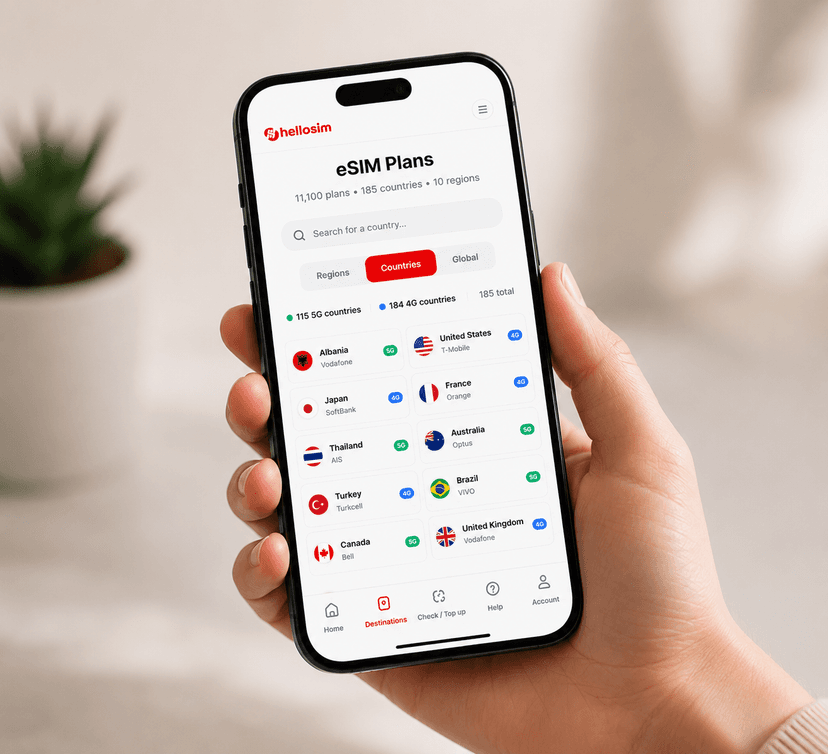
Choose your data plan and complete the secure checkout. You'll receive your eSIM details instantly via email.
Scan QR Code
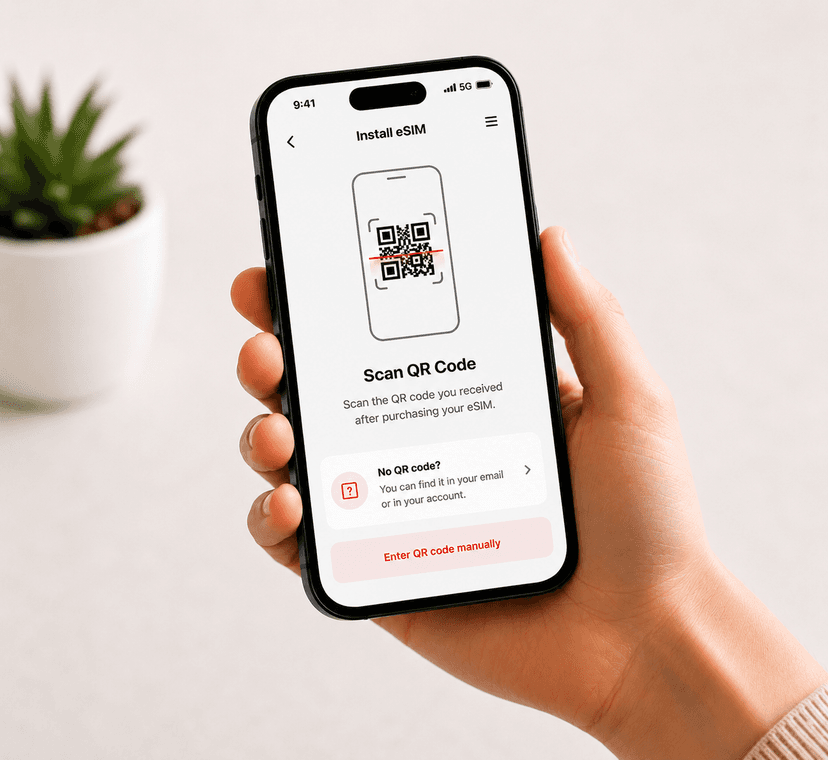
Open your phone's camera or go to Settings > Cellular > Add eSIM. Scan the QR code we provide to install your eSIM profile.
Activate & Connect
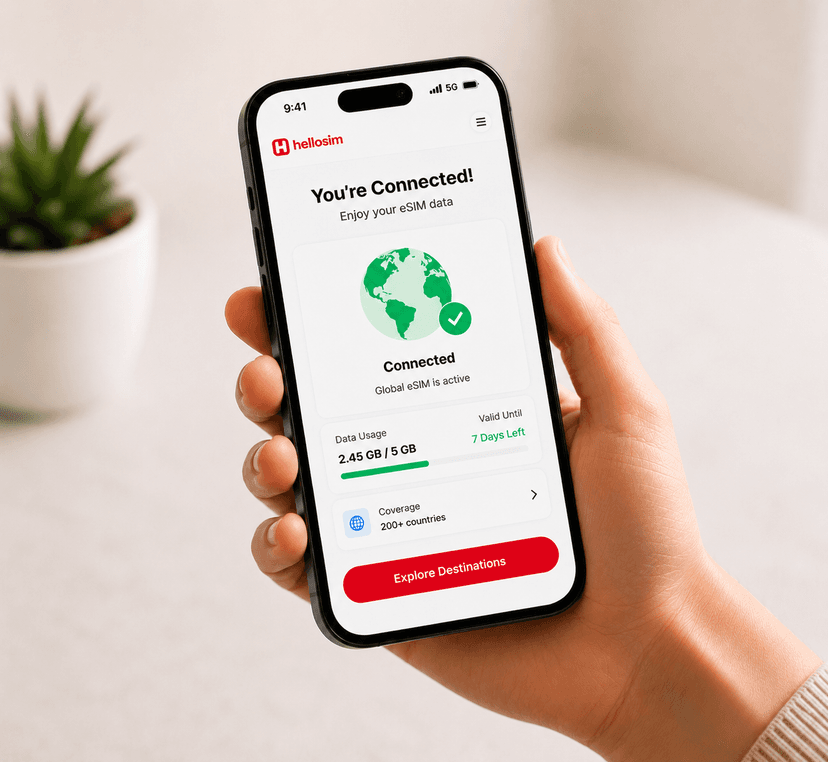
Turn on your eSIM data plan when you arrive at your destination. You'll be connected to a local network automatically.
Compatible Devices
Works with iPhone XS and newer, Samsung Galaxy S20+, Google Pixel 3 and newer, and most modern smartphones that support eSIM.
Important: Make sure your device is carrier-unlocked and supports eSIM before purchasing.
Frequently asked questions
How much does an eSIM for UK cost?
eSIM data plans for UK start from €0.79. Pick the data and validity you need — instant delivery, no roaming fees, and unlimited options too.
Will my phone work with an eSIM in UK?
Any eSIM-compatible, carrier-unlocked phone works — recent iPhone, Samsung Galaxy, Google Pixel and more. Your normal SIM keeps working alongside it.
How do I install my UK eSIM?
After you buy, scan the QR code we email you or tap install directly. It activates when you arrive in UK and connect to a local network.