
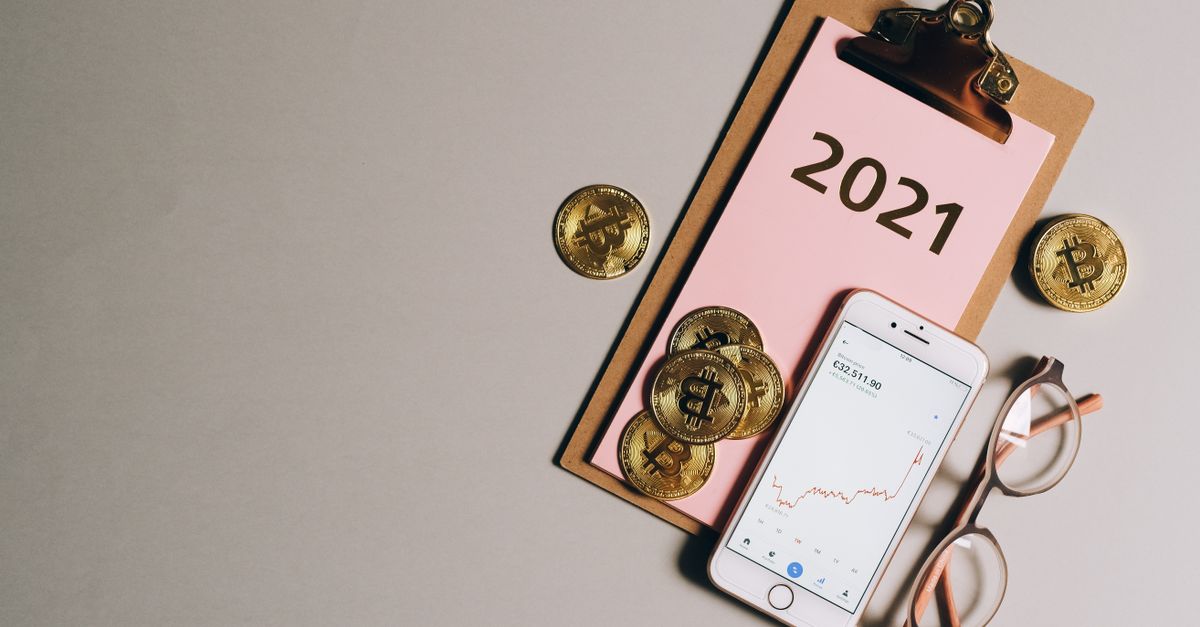
When you send a crypto payment, your wallet usually says "sent" straight away. Yet the shop you are paying does not treat it as paid at that point. It waits until the transaction is confirmed on the blockchain. At HelloSIM, the eSIM is delivered after that confirmation, not at the moment you tap send.
The gap between those two moments puzzles many first-time crypto shoppers. This article explains what happens during it, why merchants wait for confirmations, and why the wait is longer on some networks than on others.
Sent is not the same as confirmed
When you approve a payment, your wallet signs the transaction and broadcasts it to the network. At that point the transaction exists, but it is not yet part of the blockchain. On many networks it sits in a waiting area, often called the mempool, together with everyone else's unconfirmed transactions.
Your wallet may show this as pending or unconfirmed. Nothing has gone wrong; the transaction is simply waiting to be picked up and written into a block.
What a confirmation actually is
The network is run by miners or validators, who collect waiting transactions and add them to the chain in blocks. The moment your transaction is included in a block, it has its first confirmation. Every block added after that one counts as one more confirmation.
Picture a ledger in which each new page is bound on top of the last. Once your entry is written on a page, it is recorded. Every page bound on top makes it harder to remove that entry without rewriting everything that came after it. A confirmation count is simply the number of pages now sitting on top of yours.
Get your North America eSIM in 30 seconds
Instant delivery, 4G/5G speeds, no roaming bills.
Why merchants wait before delivering
Until a transaction is in a block, it is not settled. It could be dropped if its fee was too low, or replaced by a different version, since some wallets let you resend the same coins with a higher fee. On rare occasions a network can briefly disagree about its most recent blocks and reorganise them, which is why recipients often wait for more than one confirmation.
For a shop delivering something digital, such as an eSIM, the confirmation is the point at which the payment can be relied on. It also explains why crypto payments are final: once confirmed, a transaction cannot be reversed like a card chargeback. All sales are final once the eSIM is delivered, apart from a verified technical fault that support cannot fix and on which no data was used, so check the coin, network, address and amount before you send.
Why confirmation takes longer on some networks
There is no single answer to how long a confirmation takes, because several things change from one payment to the next:
- How often the network produces blocks. Bitcoin is designed to add blocks far less often than networks such as Solana or TRON, so even the first confirmation naturally takes longer there.
- How many confirmations are needed. Recipients wait for different numbers of confirmations on different networks, depending on how each network reaches agreement. You do not need to know the number; the eSIM is delivered once the payment counts as confirmed.
- How busy the network is. When many people send at once, blocks fill up and transactions with lower fees wait longer.
- The fee you chose. On networks with a fee market, such as Bitcoin, a low fee can mean several blocks pass before yours is picked.
- Where you sent from. An exchange may review or group withdrawals before broadcasting them, and the confirmation process only starts once the transaction reaches the network.
In short, confirmation usually happens quickly on fast networks and takes longer when a network is busy.
How to follow your payment
Once the transaction is broadcast, your wallet or exchange gives you a transaction hash, or TXID. Paste it into a block explorer for the network you used, such as Etherscan for Ethereum or Tronscan for TRON, and you will see its status:
- Pending, or not found yet: still waiting for a block, or the exchange has not broadcast it.
- Success, with a count of confirmations or blocks since: included in the chain and gathering confirmations.
- Failed: on Ethereum-style networks a transaction can be included in a block and still fail, for example when it runs out of gas. The payment did not go through, although the fee was spent.
Use the explorer for the exact network you sent on. Ethereum, Arbitrum, BNB Smart Chain, Polygon and Avalanche each have their own explorer, and a hash from one will not appear on another.
What to do while you wait
- 1Keep the TXID. It is the reference support will ask for if anything needs checking.
- 2Do not send the payment again. A pending transaction is normal, and a second transfer leaves you with two payments to sort out.
- 3Be careful with "speed up" or "cancel" buttons. Some wallets can replace a pending transaction with a higher-fee version. That creates a new TXID, so note the new one if you use it.
- 4Get ready to install. Find a Wi-Fi connection and check that your phone supports eSIM and is carrier-unlocked.
- 5Check your inbox once it confirms. The QR code arrives by email and the eSIM also appears in your account and the app; look in spam or promotions folders too.
Confirmations and the 1-hour payment window
A payment request stays open for 1 hour. The easiest way to avoid timing trouble is to send early in that hour, with a normal fee, from a wallet or exchange you have prepared in advance. That keeps your transaction from still waiting in the queue as the request closes.
If the request expired while your transaction was pending, or the explorer shows the payment as confirmed but no eSIM has arrived, contact support on WhatsApp or at [email protected] with the order email, coin, network and TXID. Do not pay a second time just to be sure. Messages are answered within 24 hours.
After the confirmation
Once the payment is confirmed, the eSIM is yours to install. Do it over Wi-Fi before your trip; validity starts only when it first connects at your destination. On arrival, switch the HelloSIM line on for mobile data, turn on Data Roaming for that line and keep your home SIM for calls and SMS codes.
Get your Global eSIM in 30 seconds
Instant delivery, 4G/5G speeds, no roaming bills.