
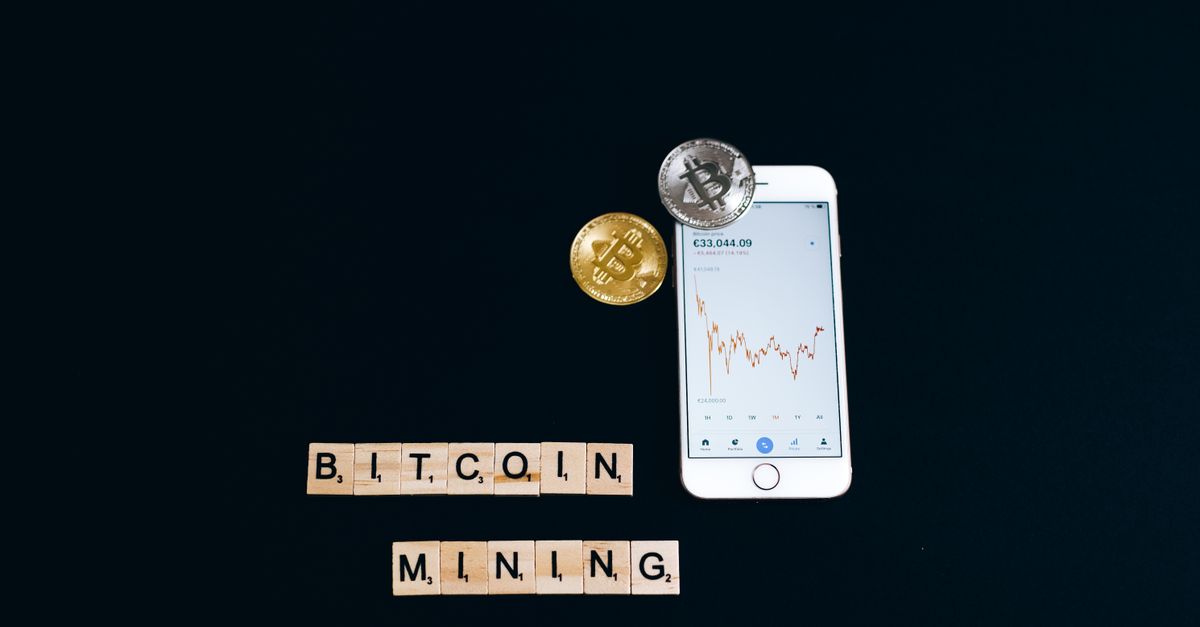
Most crypto payments at HelloSIM go straight to one order: you pick a plan, choose "Pay with crypto" and send the amount for that eSIM. There is a second way. You can add crypto to your HelloSIM wallet balance first, and then pay for eSIMs and data top-ups from that balance whenever you need them.
This guide explains how the wallet balance works with crypto, how to add to it step by step, and when it is more practical than paying each order separately.
What the HelloSIM wallet balance is
The wallet balance is credit held in your HelloSIM account. You add to it, and later you spend it within HelloSIM on new eSIMs or on top-ups for an eSIM you already have. Because it belongs to your account, you need to be signed in to use it, and it is the same balance whether you sign in on the website or in the HelloSIM app.
Adding to the balance uses the same "Pay with crypto" option as checkout. The difference is timing: the blockchain transfer happens when you add the crypto, not when you buy the eSIM. When you later pay from the balance, nothing is sent on-chain at that point.
Get your Global eSIM in 30 seconds
Instant delivery, 4G/5G speeds, no roaming bills.
How to add crypto to your wallet balance
- 1Sign in to your HelloSIM account on the website or in the app.
- 2Open the wallet section of your account and choose to add funds.
- 3Enter the amount in euros. The minimum crypto payment is €1.00. Add roughly what you expect to spend on eSIMs and top-ups, not more.
- 4Select "Pay with crypto". A hosted payment page opens.
- 5Choose the coin and the network. Pick a combination you can actually send from, for example USDT on the network your wallet or exchange uses. The page then shows a payment address, a QR code and the exact amount.
- 6Send the exact amount on the exact network shown, within 1 hour. After that the request expires, and you need to create a new one.
- 7Wait for blockchain confirmation. The balance is credited once the payment is confirmed on the blockchain, usually quickly on fast networks and later when a network is busy.
The euro amount you choose is converted into crypto at the moment of payment, so the figure on the payment page belongs to that request only. Do not reuse an amount from an earlier payment.
Using the balance for eSIMs and top-ups
Once the balance is credited, you can spend it the next time you need connectivity:
- A new eSIM for a trip. Choose a country, regional or Global plan and pay from your balance at checkout.
- More data on an existing eSIM. Top-ups add data to the same eSIM, so there is nothing new to install.
- An eSIM for someone else. When you are signed in, you can enter another traveller's email so the eSIM goes to them, while the cost comes from your balance.
Before you start checkout, check that your balance covers the plan you want. If it does not, add more first, or pay that order directly with "Pay with crypto".
When adding to the balance makes sense
Paying each order directly is perfectly fine for a single trip. The balance earns its keep in a few specific situations.
- Your exchange has a minimum withdrawal. Some exchanges set a minimum withdrawal amount that can be higher than one small order. A single larger transfer into the balance avoids running into that limit every time.
- You top up on the road. When data runs low abroad, paying from the balance means you do not have to send a crypto transaction from a train platform, wait for it to confirm, or hold a gas token for it.
- You prefer one network fee to several. Every blockchain transfer carries its own network fee, paid by the sender. Adding funds once means one transfer and one fee for several later purchases.
- Your exchange sometimes holds withdrawals. If withdrawals occasionally sit in review, doing that once at home, with no order waiting, takes the pressure off the 1-hour payment window.
- You buy for family or a team. One balance can cover several eSIMs, one for each phone.
When paying the order directly is simpler
If you only need one eSIM, you are checking out as a guest, or you would rather not keep any balance, pay the order directly with "Pay with crypto" at checkout. Guest checkout works with just an email address, while the wallet balance needs an account.
Avoid the usual crypto mistakes when adding funds
The payment page rules are exactly the same as for an order, and so are the consequences of getting them wrong.
- Match the network. Ethereum, Arbitrum, BNB Smart Chain, Polygon and Avalanche C-Chain share the same 0x address format, so a wallet may accept the address on the wrong chain without a warning.
- Make the full amount arrive. If your exchange deducts its withdrawal fee from the amount you type, set it so that the exact sum arrives.
- Mind the coin. USDT and USDC are different tokens; send the one you selected on the payment page.
- Check before you send. Crypto payments cannot be reversed like a card chargeback, and recovery of a wrong-network or wrong-coin payment cannot be promised.
If something does go wrong, contact HelloSIM support on WhatsApp or at [email protected] with your account email, the coin, the network and the transaction hash (TXID). Support answers within 24 hours.
A balance ready for the next trip
Adding crypto to your wallet balance turns the payment step into something you do once, at home, with time to check every detail. After that, buying an eSIM or adding data is an ordinary checkout paid from your balance, wherever you happen to be.
Get your Europe eSIM in 30 seconds
Instant delivery, 4G/5G speeds, no roaming bills.