
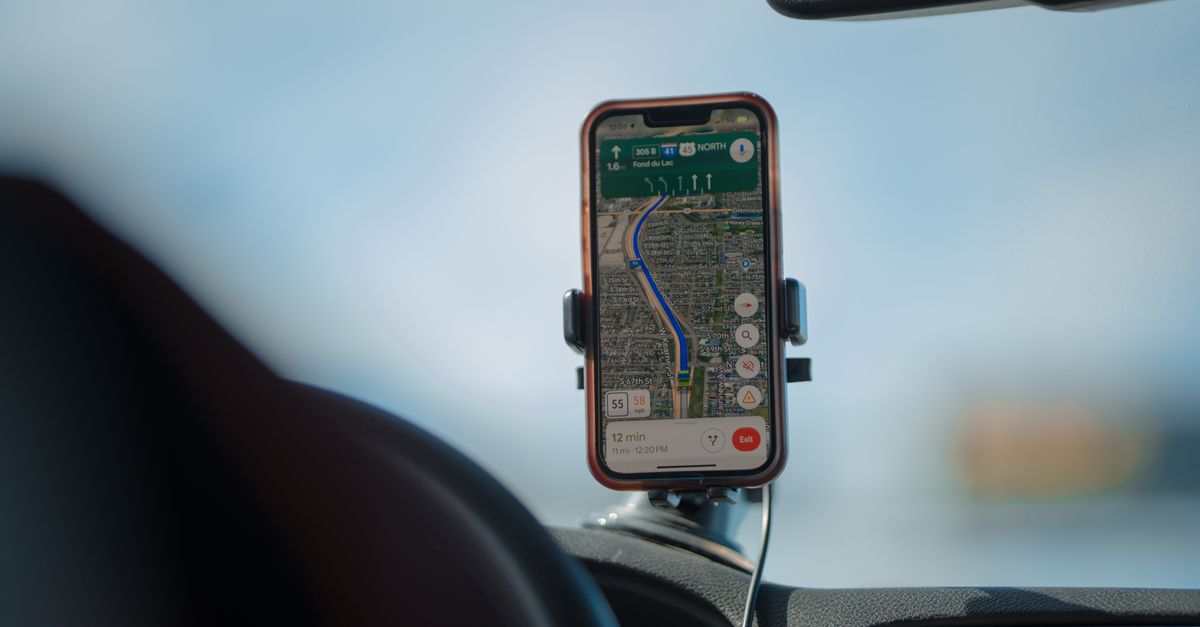
On a road trip abroad, your phone does the jobs that used to need a glovebox full of paper: it is the map, the traffic report, the fuel-price board, the restaurant guide and the hotel desk. When the route crosses borders, the network beneath you changes too, sometimes in the middle of a motorway. Planning your data is part of planning the route, and it takes far less time than choosing where to stop for lunch.
What your phone does on the road, and how much data it needs
Live navigation is the obvious one. Map apps download map details and traffic information as you drive, which is fairly light compared with video, but long driving days, constant rerouting and searches for petrol stations or car parks all add up.
The bigger data users are usually the extras:
- Music and podcasts streamed in the car, which can easily use more than the navigation itself over a long day
- Phone mirroring on the car's screen, which runs on your phone's connection, so everything it shows counts towards your plan
- Passengers scrolling social media and watching videos between stops
- Booking the next night's room or checking reviews on the move
For planning, think in weekly terms: roughly 1 GB covers navigation and messaging, 3–5 GB adds browsing and social media, and 10 GB or more is for video, video calls and work. A car that streams music all day belongs nearer the heavier end.
Choosing a plan that fits the route
Write down every country the route touches, including the ones you only cross for an hour on the way to somewhere else. Then:
- One country only, say a drive down the Albanian coast or a loop around Andalusia: a country plan covers it.
- Several neighbouring countries: a regional plan keeps you on one eSIM across borders. HelloSIM has regional plans for Europe, the Balkans, North America, Latin America, the Caucasus and more. Check the plan's country list to confirm every country on your route is included.
- A very long journey spanning several regions: a Global plan can be simpler than combining several regional ones.
Plans differ by data amount and number of days, so match the days to your itinerary. If a detour stretches the trip, you can add data to the same eSIM later.
Get your Europe eSIM in 30 seconds
Instant delivery, 4G/5G speeds, no roaming bills.
Crossing borders: what happens to your connection
With a regional or Global plan that covers both countries, crossing a border needs no action. Once you are in the next country, your phone looks for a network there and connects to it. There may be a short gap, especially in mountain passes, tunnels or remote border areas, and the phone may take a moment to settle on the new network.
If you still have no data some way past the border:
- 1Toggle aeroplane mode on and off.
- 2Check that network selection is set to automatic for the travel line.
- 3Restart the phone if needed.
Two border situations deserve attention. Near a frontier, your phone may pick up a network from the country next door. With a single-country plan, that neighbouring network is not part of your plan, so data can stop until the phone finds a network back in your plan's country. And if your home line has data roaming switched on, your carrier may start charging for roaming as you cross. Many carriers send a welcome text when you enter a new country, which is a handy reminder to check that roaming is off on that line.
Offline maps: the backup that always works
Coverage gaps can happen on a road trip in any country: in deep valleys, on high passes, inside long tunnels and in national parks. Plan for them rather than being surprised by them.
Before you leave, while you are on home Wi-Fi, download offline areas for the whole route in your map app. Your phone's GPS works without mobile data, so many map apps can keep guiding you along a downloaded route even with no signal. What you lose offline is live traffic, searching for new places and rerouting around closures, and those come back as soon as the signal does. It is also worth saving your accommodation addresses and booking confirmations offline, and downloading an offline language pack for your translation app.
Get your Albania eSIM in 30 seconds
Instant delivery, 4G/5G speeds, no roaming bills.
Before you pick up the hire car
The car hire desk is where many road trips actually begin, and it is a bad place to discover you have no data. A short routine avoids that:
- Install the eSIM at home on Wi-Fi a few days before departure.
- Download offline maps for the full route.
- Pack a car charger, a cable long enough to reach the mount, and a phone mount, so the screen stays in view without anyone holding the phone.
- After landing, switch on the HelloSIM line, make it your mobile data line and enable data roaming on it, while keeping data roaming off on your home line.
- Load the route to your first stop while the car is still parked.
Habits that keep you connected on the road
- Keep the phone charged. Navigation with the screen on all day uses a lot of battery, so plug it in whenever the engine is running.
- Hand the phone to a passenger. Searching for fuel or changing the destination is a passenger's job.
- Check your data every few days in your account or the app, and top up the same eSIM before a long drive rather than halfway along it.
- Share your live location with someone if you are driving late or on remote roads; it uses very little data.
- Make calls over data apps. HelloSIM eSIMs are data-only, so use WhatsApp, FaceTime or similar for calls, while your own SIM stays in the phone for calls and texts to your usual number.
If something stops working mid-route, the HelloSIM team can help by email at [email protected] or through the live chat in the app.
Get your North America eSIM in 30 seconds
Instant delivery, 4G/5G speeds, no roaming bills.