
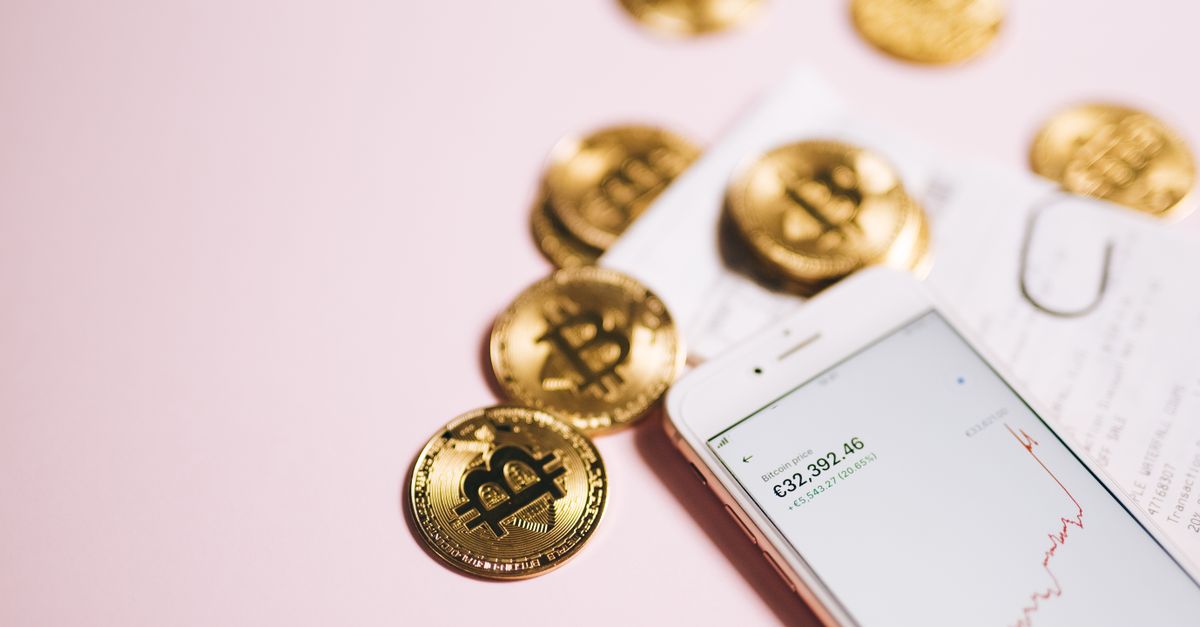
A pending crypto transaction has been sent but not yet confirmed on the blockchain, and your HelloSIM eSIM is delivered only after that confirmation. Most pending transactions confirm on their own once the network gets to them. Look yours up on a block explorer, do not send a second payment, and contact support at [email protected] or on WhatsApp with your order email, the coin, the network and the transaction hash (TXID) if it stays stuck or the payment request expires in the meantime.
Waiting is uncomfortable when you are about to travel, but a pending transaction is usually a queue, not a failure. Here is how to see where yours stands, and what you can safely do about it.
Three kinds of "pending"
The word means different things depending on where you see it.
- Pending on the exchange. The withdrawal has been requested, but the exchange has not sent it to the blockchain yet. It may be processing, batching withdrawals or reviewing yours. There is often no TXID at this stage, and only the exchange can move it forward.
- Broadcast but unconfirmed. The transaction is on the network, waiting to be included in a block. It has a TXID, and a block explorer shows it as pending or unconfirmed.
- Confirmed, but no eSIM yet. The explorer shows the transaction in a block, but the eSIM email has not arrived. Merchants often wait for more than one confirmation, so give it a little longer, and check the spam folder, your account and the app.
Knowing which one you are looking at tells you who can help: the exchange, the network itself, or HelloSIM support.
Get your United Kingdom eSIM in 30 seconds
Instant delivery, 4G/5G speeds, no roaming bills.
Why transactions wait
Every network has limited room in each block. When more people want to transact than fits, transactions queue, and the ones paying higher fees usually go first.
- Bitcoin lets the sender choose a fee rate. A rate that was fine when the network was quiet can leave a transaction waiting for a long time once it gets busy. Litecoin, Bitcoin Cash, Dash and Dogecoin work on a similar principle.
- Ethereum-style networks (Ethereum, Arbitrum, BNB Smart Chain, Polygon and Avalanche C-Chain) price transactions in gas. A gas setting that is too low for current demand can leave a transaction waiting. These networks also process each wallet's transactions in order, so one stuck transaction holds back every later one from the same wallet.
- Other networks have their own fee models. TRON, for example, uses resources called energy and bandwidth, which are paid for with TRX.
Exchanges add their own layer on top. Some send withdrawals in batches or check them manually, which looks like pending to you even though the blockchain is not involved yet.
How to check your transaction on a block explorer
A block explorer is a public website that shows what is happening on a blockchain. You do not need an account to use one.
- 1Copy the TXID from your wallet's activity list or your exchange's withdrawal history. Many wallets link straight to an explorer from the transaction details.
- 2Open the explorer for the network you used. Well-known ones include mempool.space for Bitcoin, Blockchair for Bitcoin, Litecoin, Bitcoin Cash, Dash and Dogecoin, Etherscan for Ethereum, BscScan for BNB Smart Chain, Arbiscan for Arbitrum, PolygonScan for Polygon, Tronscan for TRON, Solscan for Solana and Tonviewer for TON.
- 3Paste the TXID into the search box.
- 4Read the essentials: the status, the receiving address, the coin and the amount, and, once confirmed, the block and the number of confirmations.
- 5Compare the address and amount with the payment page. If either one is off, waiting is not the real problem, and support needs to know.
If the explorer shows nothing, first check that it is the explorer for the right network. If it still shows nothing, the transaction probably never reached the blockchain: ask your exchange, or see whether your wallet marks it as failed or dropped. On some networks, a transaction that never gets included is simply dropped and the coins stay in your wallet, so check your balance before you try again.
Can you speed it up?
Sometimes, and when you can, it is usually fine, as long as you understand what the button does.
Bitcoin: bumping the fee
If your Bitcoin wallet marked the transaction as replaceable, it may offer to bump the fee, often called replace-by-fee. That sends the same payment, to the same address, for the same amount, with a higher fee. Not all wallets support it, and not every transaction qualifies.
Ethereum-style networks: speed up
Many wallets on Ethereum-style networks offer a speed-up option that resends the same transaction with a higher gas fee. Read the confirmation carefully before you approve it: the recipient and the amount should be unchanged.
Be careful with cancel
The same wallets often show a cancel option next to speed up. Cancelling replaces your payment with a transaction that moves nothing to the payment address, so if it succeeds, no payment is made at all. Use it only if you have decided not to pay.
A sped-up or replaced transaction usually gets a new TXID. If you contact support, send the final one, the one the explorer shows as confirmed.
What not to do
- Do not send the payment again. If the first transaction confirms, you will have paid twice.
- Do not pay a fresh payment request while the first transfer is still pending, for the same reason.
- Do not hand your recovery phrase to any site or person offering to unstick a transaction. A genuine fee bump happens inside your own wallet.
When the hour runs out while you wait
A payment request stays open for 1 hour. If your transaction is still unconfirmed when that time has passed, do not send to a new request and do not send to the old one again. Let the transaction run its course and watch for the eSIM email, your account and the app. If nothing arrives after it confirms, contact support with your order email, the coin, the network and the final TXID. What happens next is decided by support once they have checked the transaction; it cannot be promised beforehand.
Next time: a payment that confirms smoothly
- When the network is busy, choose the standard fee your wallet suggests rather than the lowest setting.
- Keep enough of the network's own coin for fees, so you are never forced to pick the minimum.
- On Ethereum-style wallets, make sure no older transaction is stuck before you send a new one.
- If your exchange often holds withdrawals, move the coins to your own wallet before checkout.
- Pay well before you need the eSIM. Confirmation is usually quick on fast networks and takes longer when a network is busy, and because validity starts only when the eSIM first connects at your destination, paying days ahead costs you nothing in validity.
Once it confirms, the eSIM QR code arrives by email and appears in your account and the app. Install it over Wi-Fi before you fly.
Get your Global eSIM in 30 seconds
Instant delivery, 4G/5G speeds, no roaming bills.