
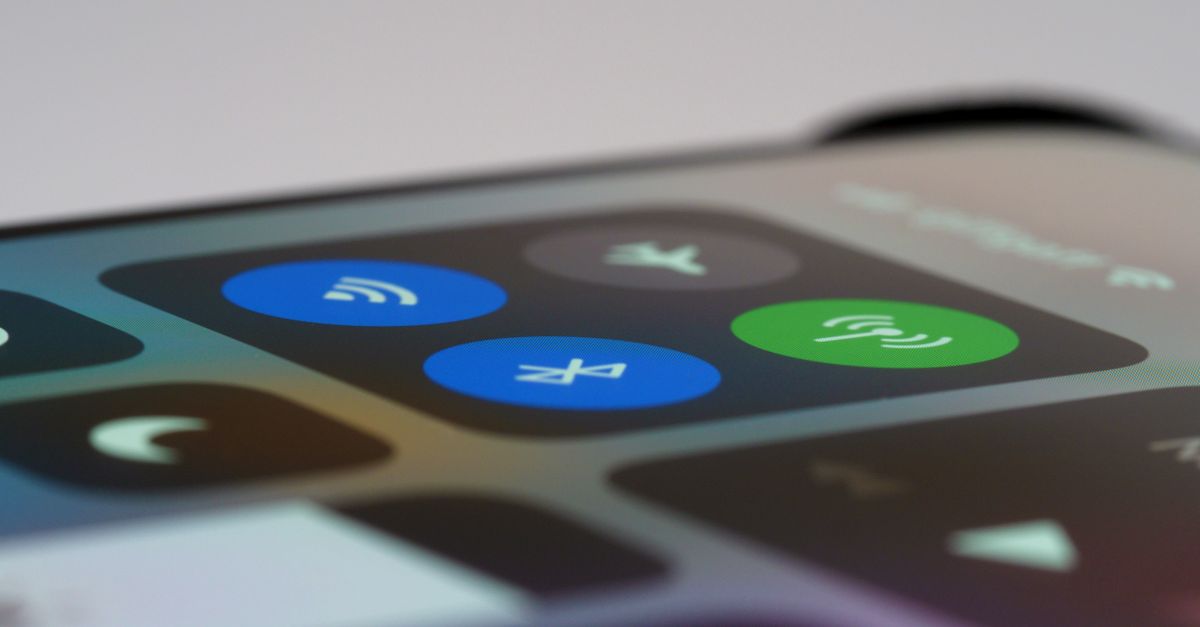
Your phone shows 5G at home, so why might it show 4G on holiday? The short answer is that 5G is not a single switch. It only appears when your phone, the local network and your data plan all support it at the same time, in the place you happen to be standing. This guide explains each of those pieces, how to check them before you travel, and what 5G realistically changes for a traveller.
Three things that all have to line up
Think of 5G abroad as a chain with three links. If any one is missing, your phone uses 4G/LTE instead.
- 1Your phone supports 5G. Most recent flagship and mid-range phones do, but older models don't. Your phone also needs to support the 5G frequencies used at your destination, which vary from country to country, so a 5G phone bought in one market won't necessarily pick up 5G everywhere.
- 2The local network offers 5G where you are. 5G coverage is usually strongest in cities and busy areas and thinner in the countryside. Even in a 5G country, plenty of places are 4G-only.
- 3Your plan allows 5G on that network. A travel eSIM connects through partner networks at your destination, and 5G is only available where those networks provide it to your plan.
When all three are in place, you will see a 5G indicator in the status bar. When they aren't, the phone quietly uses 4G, which is normal and not a fault.
Get your United States eSIM in 30 seconds
Instant delivery, 4G/5G speeds, no roaming bills.
How to check whether a destination has 5G
With HelloSIM, every destination offers 4G/LTE. 5G is available only where the networks listed for that destination are marked 5G, and only on phones that support it.
So before you buy, open the destination you are interested in and look at the networks listed for it. If one or more are marked 5G, you can expect 5G in areas those networks cover, provided your phone supports it. If they are marked 4G, plan on 4G/LTE for the whole trip.
For regional and Global plans, the same idea applies country by country. A regional plan may include some countries where the listed networks offer 5G and others where they offer 4G, so check the countries you will actually spend time in.
Turning 5G on in your phone
Many phones ship with 5G set to an automatic mode, but it is worth checking the setting for the eSIM line specifically, because each line can have its own.
On iPhone, go to Settings → Mobile Data (or Cellular), tap the travel eSIM line, then Voice & Data. You will usually see three choices:
- 5G Auto: uses 5G when the phone judges it worthwhile, and 4G otherwise to save battery.
- 5G On: uses 5G whenever it is available.
- LTE: 4G only.
On Android, look for the mobile network settings for the eSIM line, often under Settings → Network & internet → SIMs, or Connections → Mobile networks on Samsung phones, then "Preferred network type" or "Network mode". Choose an option that includes 5G. Wording varies by brand.
Two related settings matter too. Make sure the eSIM line is the one selected for mobile data, and that Data Roaming is turned on for that line; the eSIM can't connect abroad without it, and it adds no cost to a prepaid plan. Some phones handle 5G differently when two lines are active, so giving the travel eSIM the mobile data role gives it the best chance of reaching 5G.
Why your phone drops back to 4G
Seeing 4G where you expected 5G is the most common 5G question, and it usually has an ordinary explanation:
- You have moved outside the 5G coverage area, for example from a city centre to a suburb or rural road.
- You are indoors, underground or in a building that blocks the signal; some 5G frequencies don't travel well through walls.
- The phone is in 5G Auto mode and has decided 4G is good enough for what you are doing.
- Your phone doesn't support the 5G frequencies used by the local network.
- Low Power Mode or a battery saver is on, which on many phones limits 5G.
None of this affects your data allowance or your plan. The phone simply chooses the best available technology, moment by moment. If you have no data at all, rather than 4G instead of 5G, that is a connection issue rather than a 5G one: check the line is on, set for data and has roaming enabled, then restart.
Get your Japan eSIM in 30 seconds
Instant delivery, 4G/5G speeds, no roaming bills.
5G and battery life
5G can use more battery than 4G, particularly when the signal is weak or the phone keeps switching between 4G and 5G at the edge of coverage. On a long sightseeing day, that can matter more than speed.
A few practical choices:
- Leave iPhone on 5G Auto, or the equivalent automatic mode on Android, rather than forcing 5G on.
- If you are spending the day somewhere with patchy 5G, switching the eSIM line to LTE can stop the phone hunting between networks.
- Carry a small power bank on travel days, whatever network you are on.
Realistic expectations
5G is welcome when it is there, but it is not what makes or breaks a trip. Maps, ride apps, messaging, email, social media and video calls all work well on 4G/LTE, which is available in every destination HelloSIM sells.
Where 5G tends to feel different is with large transfers: downloading a long playlist or a season of a series, uploading a batch of holiday videos, or joining a work call while sharing large files. If those are part of your trip, check the destination's network list for 5G and make sure your phone supports it.
One thing to watch: on a faster connection, some apps automatically choose higher-quality video, which uses more data. If you are on a fixed allowance, set streaming and social apps to a standard quality on mobile data, and if the allowance does run low, a top-up from your account, the app or the Check / Top up page adds data to the same line.
If 5G or any other connection question has you stuck, drop HelloSIM a line at [email protected] or start a conversation in the HelloSIM app's live chat.
Get your Global eSIM in 30 seconds
Instant delivery, 4G/5G speeds, no roaming bills.