
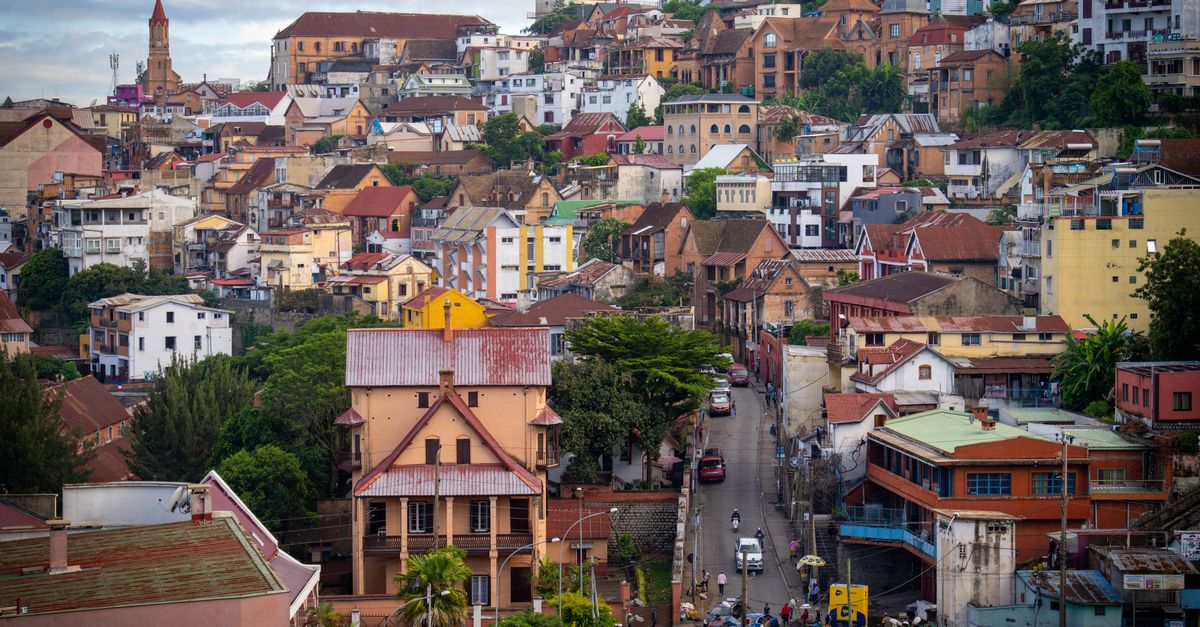
Madagascar is vast, and the distances between its highlights (lemur forests, baobab avenues, limestone tsingy and island beaches) mean long days on the road. Most international flights land at Ivato International Airport in Antananarivo, and some arrive directly at Fascene Airport on Nosy Be. With a HelloSIM eSIM, you have data from your first hour on the island.
Why use an eSIM in Madagascar
- Coordinating with drivers, guides and lodges is simpler when messaging works from the moment you land.
- Live maps help on long road trips, where it is good to know how far the next town really is.
- Malagasy and French are the main languages, so a translation app is useful away from the tourist lodges.
- Your home SIM stays in your phone for calls and texts, WhatsApp keeps your usual number, and the prepaid data means no roaming bill.
- You can add data to the same eSIM if your trip runs longer.
Signal in Madagascar is strongest in towns and along the main roads, while national parks and remote coasts can be offline for hours or days. Mobile data is what keeps you in touch between those stretches.
Get your Madagascar eSIM in 30 seconds
Instant delivery, 4G/5G speeds, no roaming bills.
Networks and coverage
HelloSIM in Madagascar uses Airtel and Telma, both on 4G. Coverage is generally best in the larger towns, including Antananarivo, Antsirabe, Fianarantsoa, Toliara, Morondava, Antsiranana and the main town on Nosy Be.
Away from the towns, expect gaps. Long rural stretches of the RN7, the rough roads of the west towards the Tsingy de Bemaraha, rainforest parks and remote coastal areas can have weak or no signal. Boat trips around Nosy Be's smaller islands often leave coverage behind once you are offshore.
How to get connected
- 1Confirm that your phone supports eSIM and is unlocked; look for an "Add eSIM" option in your settings.
- 2Buy your plan and install it before the trip, on Wi-Fi, by scanning the QR code from the email (iPhone: Settings → Mobile or Cellular → Add eSIM; Android: Network & internet or Connections → SIM manager → Add eSIM). Manual installation with the SM-DP+ address and activation code also works.
- 3When you arrive, turn on the HelloSIM line, set it for mobile data and enable Data Roaming for that line. Turn data roaming off on your home SIM.
- 4Top up the same eSIM in your account, the app or on the Check / Top up page whenever you need to.
How much data do you need
- Light: messaging with your driver and lodges plus offline maps uses about 1 GB a week.
- Medium: browsing, social media and sharing wildlife photos need roughly 3–5 GB a week.
- Heavy: video calls, streaming or work uploads take 10 GB or more a week.
Hotels in Antananarivo and on Nosy Be usually offer Wi-Fi, but in remote lodges it can be slow or limited.
Good to know
- Currency: Malagasy ariary (MGA); carry cash for rural areas
- Capital: Antananarivo
- Languages: Malagasy and French
- Time zone: UTC+3
- Plugs: Type C and E (European two-pin) are common; a universal adapter is a safe bet
- Don't miss: the Avenue of the Baobabs near Morondava, the indri lemurs of Andasibe-Mantadia National Park, Isalo National Park and the beaches of Nosy Be
Travel tips for staying connected in Madagascar
- Before leaving Antananarivo, download offline maps for your whole route, as road trips like the RN7 cross long rural stretches.
- Save your driver's and lodges' contact details offline, and share your itinerary with someone at home.
- Charge your phone and power bank whenever you can, because some remote lodges have limited electricity.
- Before a park visit or boat trip, download what you need, since signal often stops at the park entrance or the shoreline.
- If Madagascar is one leg of a longer trip through Africa, the Africa plan can cover several countries on one eSIM; check that every country you are visiting is on its list.
Get your Africa eSIM in 30 seconds
Instant delivery, 4G/5G speeds, no roaming bills.
Get your Madagascar eSIM in 30 seconds
Instant delivery, 4G/5G speeds, no roaming bills.