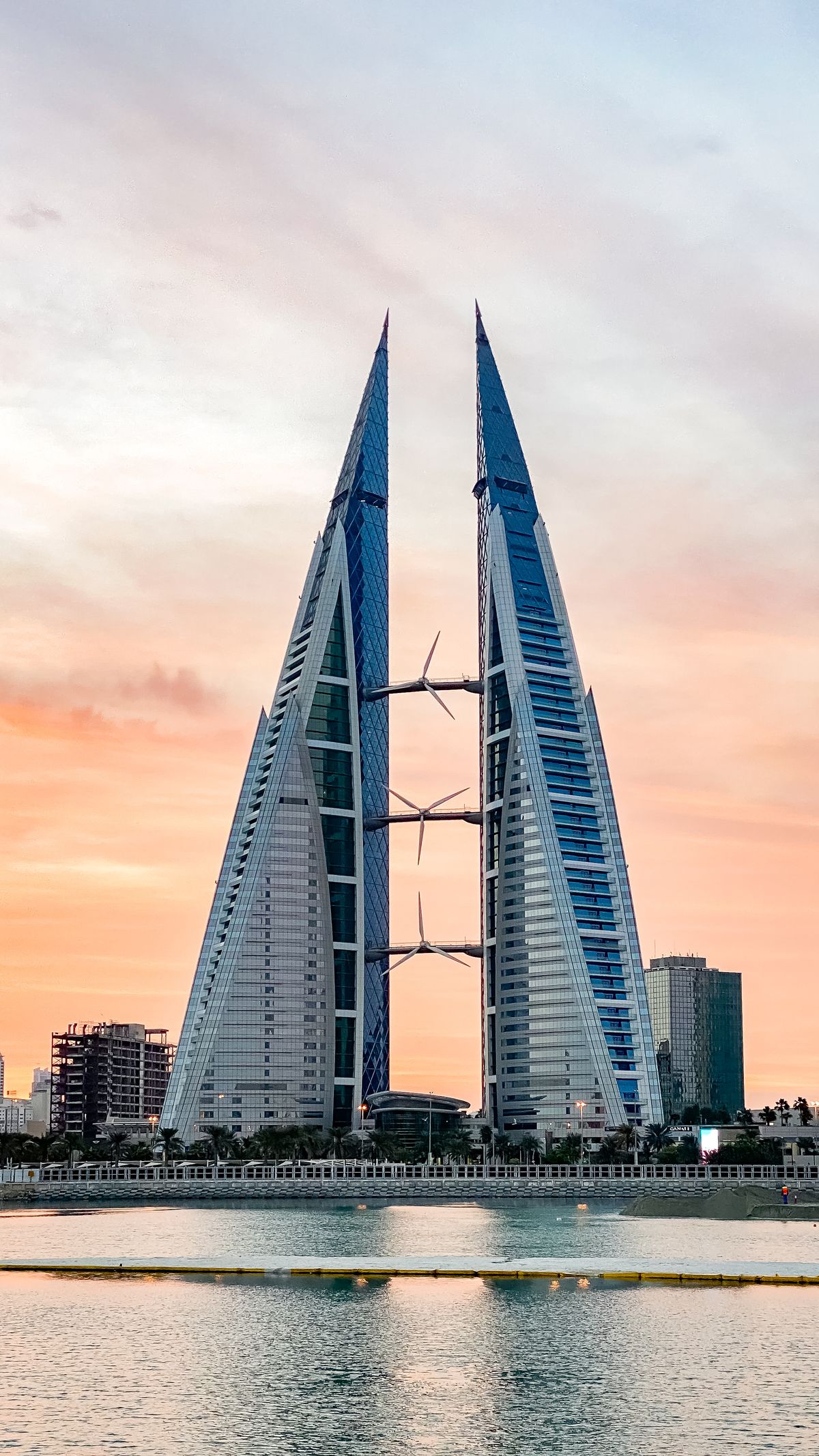
Land in Manama already online. A Bahrain eSIM gives you instant 4G/5G data with no roaming fees and no SIM swaps.
Touch down at Bahrain International Airport and have mobile data working before you reach the taxi rank. A Bahrain eSIM activates in minutes, so you can map your route, call a ride, and message home without hunting for a local SIM card.
Why use an eSIM in Bahrain
Bahrain is small, dense and incredibly well-connected, so good data makes the trip effortless. An eSIM means you skip airport SIM queues, avoid shocking roaming bills, and keep your home number active for calls and texts.
No physical SIM to swap or lose
Instant delivery by QR code, before you fly
Keep your regular number for WhatsApp and banking codes
Bahrain has three strong mobile operators: Batelco, STC, and Zain. All three run modern 4G countrywide and 5G across the main urban areas. Coverage is excellent in Manama, Riffa, and Muharraq, including malls, the financial harbour and the causeway. Our eSIM connects to top-tier local networks automatically.
How to get connected
1. Buy your Bahrain eSIM online and receive a QR code by email
2. Scan it in your phone settings to install the data plan
3. Turn on data roaming for the eSIM line and land connected
How much data do you need
Light (maps, chat, email): around 1 GB per week
Standard (social, browsing, some video): 3-5 GB per week
Heavy (streaming, hotspot, video calls): 10 GB or more
Wi-Fi is common in hotels and cafes, so most short-trip visitors are comfortable with 3-5 GB.
Good to know
Currency: Bahraini dinar (BHD)
Capital: Manama
Language: Arabic (English widely spoken)
Time zone: Arabian Standard Time (GMT+3)
Famous places: Bahrain Fort (Qal'at al-Bahrain), Bahrain National Museum, and the Tree of Life in the southern desert
FAQ
Is my phone compatible? Most phones from the last few years support eSIM, including recent iPhone, Samsung Galaxy, and Google Pixel models. Check for an eSIM option in your settings before buying.
When should I install it? Install at home over Wi-Fi before you travel. The plan starts when you arrive in Bahrain and connect, so you are online the moment you land.
Can I keep my WhatsApp number? Yes. WhatsApp stays tied to your original number. The eSIM only adds data, so your account and chats are unchanged.
Yes. Bahrain has modern, high-quality mobile networks, and a HelloSIM eSIM connects to them as soon as you arrive, giving you data across the island without a physical SIM or a shop visit.
Is my phone compatible with a HelloSIM eSIM for Bahrain?
Most recent phones support eSIM, including iPhone XS and newer, Google Pixel 3 and newer, and recent Samsung Galaxy S, Note and Z models. Your phone must also be carrier-unlocked.
How do I check if my phone supports eSIM before travelling to Bahrain?
On iPhone, dial *#06# and look for an EID, or open Settings then Cellular for an 'Add eSIM' option. On Android, look under Settings then Network and internet then SIMs for an 'Add eSIM' entry.
How do I install my HelloSIM Bahrain eSIM?
After purchase you receive a QR code by email. Open your phone's eSIM settings, choose to add a cellular or mobile plan, and scan the QR code to install the profile, which takes about a minute.
How do I install the eSIM on an iPhone?
Open Settings, tap Cellular, then Add eSIM or Add Cellular Plan, and scan the HelloSIM QR code. Label it 'Bahrain' and keep your home SIM for calls and texts if you want to stay reachable.
How do I install the eSIM on an Android phone?
Go to Settings, then Network and internet, then SIMs, tap Add eSIM or the plus icon, and scan the HelloSIM QR code. The exact steps vary slightly on Samsung, Pixel and Xiaomi devices.
Do I scan a QR code to set up the eSIM?
Yes, scanning the QR code is the easiest method. If you are installing on the same phone that received the email, you can also enter the activation details manually instead of scanning.
Should I install the eSIM before or after arriving in Bahrain?
Install the profile before you fly while you have Wi-Fi, but hold off on enabling data roaming or activating the line until you land, so your validity period begins when you actually start using it.
When does my Bahrain eSIM plan start counting down?
HelloSIM plans generally start when the eSIM first connects to a Bahraini network, not at the moment of purchase, so you can install ahead of your trip without wasting any days of validity.
Which networks does HelloSIM use in Bahrain?
HelloSIM roams on Bahrain's main mobile operators, which are Batelco, stc Bahrain and Zain Bahrain. The network is selected automatically to give you the strongest available signal.
Is there 5G with a HelloSIM eSIM in Bahrain?
Yes, where available and if your plan and device support it. Bahrain was an early 5G adopter with broad coverage across Manama and the island, so many travellers connect on 5G, otherwise on fast 4G/LTE.
How good is mobile coverage in Bahrain?
Excellent. Bahrain is a compact, densely populated island, so mobile coverage is strong and consistent across Manama, Muharraq, Riffa and the main causeways and highways with very few gaps.
Does the eSIM cover Manama, Muharraq and Riffa?
Yes. All of Bahrain's main urban areas, including the capital Manama, Muharraq, Riffa and Isa Town, have dense, reliable coverage, so you will have solid data throughout your stay.
Will the eSIM work at Bahrain airport when I land?
Yes. Bahrain International Airport (BAH) in Muharraq has strong network coverage, so once you switch on your eSIM and data roaming after landing you should connect within a minute or two to arrange transport or check maps.
Can I use my HelloSIM Bahrain eSIM in nearby Gulf countries?
A single-country Bahrain plan works only in Bahrain. If you are also crossing to Saudi Arabia or visiting other Gulf states, look for a HelloSIM regional or multi-country plan, or buy a separate eSIM for each country.
Will my Bahrain eSIM work when crossing the King Fahd Causeway to Saudi Arabia?
A Bahrain-only eSIM stops working once you enter Saudi territory on the causeway. For connectivity on both sides, use a regional Gulf plan or a separate Saudi Arabia eSIM.
How much data do I need for a week in Bahrain?
For a week of maps, messaging, browsing and social media, most travellers are comfortable with roughly 3 to 5 GB. Add more if you stream video, make frequent video calls, or use the eSIM for hotspot.
How much data do I need for a two-week trip to Bahrain?
Two weeks of everyday use often works out around 7 to 10 GB. Heavy streamers or people who tether a laptop should choose a larger bundle or plan to top up midway.
What data plans and validity does HelloSIM offer for Bahrain?
HelloSIM offers a range of data bundles with validity periods that commonly span from a few days up to about 30 days. You select the data amount and duration that suit your trip on the product page.
How much does a Bahrain eSIM cost?
The price depends on the data amount and validity you choose, so check the live price on the Bahrain product page. Short, low-data plans are the cheapest, with cost rising for more data and longer validity.
Is a HelloSIM eSIM cheaper than roaming in Bahrain?
For most visitors, yes. A dedicated Bahrain eSIM is usually far cheaper than standard international roaming charges from your home carrier, and it saves you buying and registering a local SIM.
Do I need to set an APN manually in Bahrain?
Usually not, as the eSIM configures automatically. If data does not start, HelloSIM provides the correct APN in your setup details, which you enter under your eSIM's cellular data network settings.
Do I need to turn on data roaming for the eSIM?
Yes. The eSIM connects as a roaming partner on Bahraini networks, so you must enable Data Roaming for the HelloSIM line in its settings. This does not add any extra charge on your HelloSIM plan.
Can I keep my home number while using the eSIM in Bahrain?
Yes. With a dual-SIM phone you keep your home SIM active for your usual number while the HelloSIM eSIM handles data. Simply set HelloSIM as the line used for cellular data.
Will I be charged on my home SIM if I keep it on in Bahrain?
You will not be charged for data if HelloSIM is your data line and roaming is off on your home SIM. However, incoming calls and texts on your home number may still incur your carrier's roaming fees.
Can I use the eSIM for hotspot or tethering in Bahrain?
Yes. HelloSIM eSIMs support personal hotspot in Bahrain, so you can share data with a laptop or tablet. Tethering uses your plan's allowance, so connected devices consume your bundle faster.
Can I make calls and send SMS with the eSIM?
HelloSIM eSIMs are data-only and do not include a local Bahraini number for regular calls or SMS. You can still call and message over the internet using WhatsApp, FaceTime, Telegram or Signal, subject to app availability.
Can I use WhatsApp and video calls on the Bahrain eSIM?
In general, data messaging and calling apps such as WhatsApp, Messenger and Zoom work over the eSIM's data. Availability of specific voice or video calling features can vary by app in the Gulf region, so keep an alternative such as regular data messaging handy.
What is the emergency number in Bahrain?
Dial 999 for police, ambulance and fire emergencies in Bahrain. Emergency calls connect even without an active data plan, so keep the number handy during your trip.
How fast are typical data speeds in Bahrain?
Bahrain's networks are fast and modern. On 4G you can expect speeds comfortable for streaming and video calls, and 5G in Manama and other areas can be considerably quicker, easily handling navigation and heavy browsing.
Is the eSIM good for Google Maps and navigation in Bahrain?
Yes. Bahrain's compact size and strong coverage make live navigation reliable across the island. Downloading offline maps beforehand is still a handy backup for peace of mind.
Will the eSIM work while driving around Bahrain?
Yes. Coverage along Bahrain's highways and causeways connecting Manama, Muharraq and Riffa is consistent, so live navigation and streaming work reliably while you drive around the island.
What happens when I run out of data in Bahrain?
When your bundle is used up, data stops until you top up or buy a new plan. You will not be billed for overage, but monitor your usage in the HelloSIM app to avoid unexpected interruptions.
How do I top up or add more data in Bahrain?
Log in to your HelloSIM account and buy a top-up or a new Bahrain bundle. The extra data is added to your existing eSIM, so you do not need to install a new QR code.
My eSIM shows no service in Bahrain, what should I do?
Confirm Data Roaming is on for the HelloSIM line and that it is selected for cellular data. Then toggle Airplane mode off and on, or restart the phone. If it persists, manually select a network like Batelco or stc.
My eSIM is not registering on a network, how do I fix it?
In your network settings, turn off automatic selection and manually choose a Bahraini operator such as Batelco, stc or Zain. Restarting the phone after installing the eSIM also resolves many registration problems.
Do I need a passport or ID to buy a HelloSIM eSIM for Bahrain?
No. Buying a HelloSIM travel eSIM online does not require ID registration, unlike local prepaid SIMs bought in a shop. You simply complete the purchase and receive your QR code by email.
How many devices can use one Bahrain eSIM?
One eSIM profile installs on a single device at a time. To connect a second phone or tablet, buy another eSIM, or share data from your main phone using its personal hotspot.
Does the eSIM expire if I do not use it?
The validity countdown normally starts when the eSIM first connects to a Bahraini network, and the plan is valid for its stated number of days after that. Unused data is lost once the validity window ends.
Can I get a refund if the eSIM does not work in Bahrain?
If you cannot connect and have not used the eSIM, contact HelloSIM support; they will troubleshoot and, where a genuine technical fault is confirmed, help with a replacement or refund in line with the refund policy.
What should I do before flying to make sure my Bahrain eSIM works?
Install the eSIM while on Wi-Fi at home, confirm it appears in your cellular settings, keep Data Roaming off until you land, and save your QR code and HelloSIM login in case you need support on arrival.
Any traveller tips for staying connected in Bahrain?
Download offline maps of Manama and the island before you go, keep your home SIM active only for essential calls to limit roaming fees, and enable Wi-Fi calling so people can still reach your home number over data.