
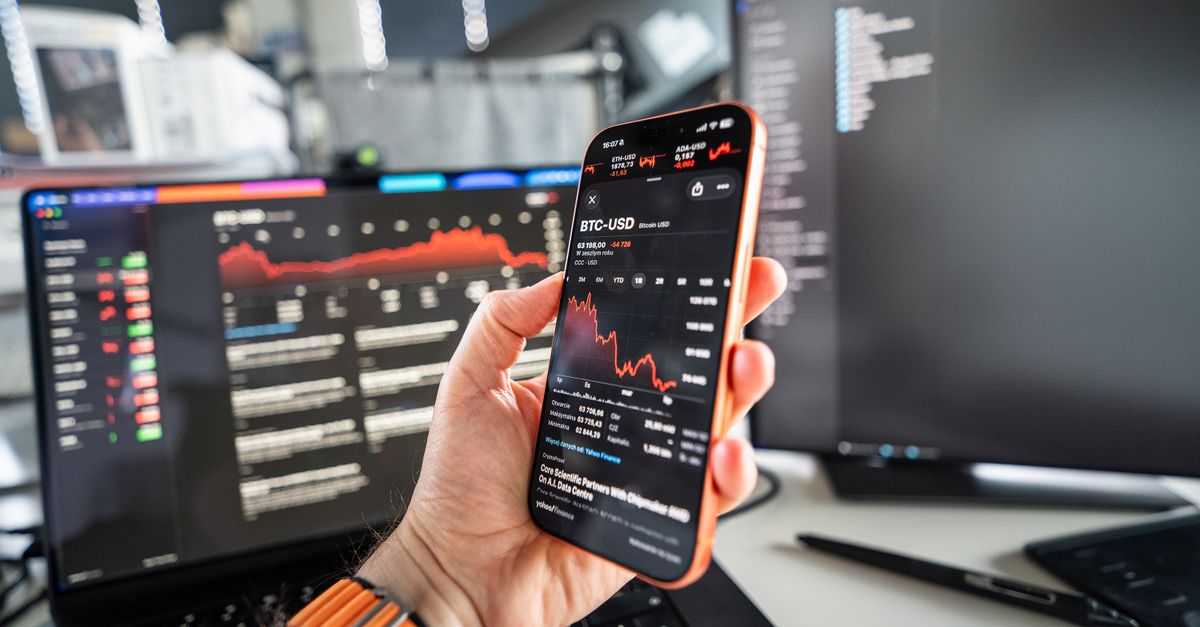
HelloSIM's payment page accepts a long list of coins and networks, but not all of them. XRP and Cardano (ADA), for example, are not on it. If the coin you hold isn't offered on the payment page, you can't pay with it directly, and sending it to an address meant for something else is a mistake that no amount of care afterwards can reliably fix.
The way through is usually simple: use a supported coin you already have, or convert to one before checkout. This guide shows how to tell what counts as supported, the two routes to a coin that works, and what never to send.
What the payment page accepts
These are the coins and networks on offer:
- BTC on the Bitcoin network (on-chain), LTC, BCH, DASH, DOGE and XMR (Monero)
- ETH on Ethereum, Arbitrum and BNB Smart Chain
- USDT on TRON (TRC-20), Ethereum (ERC-20), BNB Smart Chain (BEP-20), TON, Solana, Polygon, Arbitrum and Avalanche (C-Chain)
- USDC on Ethereum, Polygon, BNB Smart Chain, Arbitrum and Avalanche
- SOL, TRX, BNB, AVAX, POL (formerly MATIC), TON, DAI and SHIB
The payment page itself is the source of truth. When you choose "Pay with crypto" at checkout, the coins and networks you can select there are the ones you can pay with. If a combination isn't offered, it isn't accepted.
Get your Latin America eSIM in 30 seconds
Instant delivery, 4G/5G speeds, no roaming bills.
"Not supported" can mean the coin or the network
There are two ways to end up with crypto you can't use as it is.
The coin isn't listed. XRP, ADA and any coin that doesn't appear on the payment page fall here. No choice of network changes that.
The coin is listed, but not on your network. This one catches people out, because the coin's name looks right. A few examples taken from the list above:
- USDC is accepted on five networks, but not on Solana or TRON, even though USDT is accepted on both.
- ETH is accepted on Ethereum, Arbitrum and BNB Smart Chain only. ETH that your wallet shows on any other network doesn't count.
- BTC is accepted as a regular on-chain transaction on the Bitcoin network. Bitcoin-pegged tokens on other chains are separate tokens, and off-chain ways of sending Bitcoin are not among the options either.
Route 1: Use a supported coin you already hold
Before converting anything, look through every wallet and exchange account you have. If your main holding is XRP or ADA, it is still worth checking whether a coin from the list is sitting in another account. Using it skips the conversion step entirely.
Check the network as well as the coin. Exchanges usually keep one balance per coin and let you pick the withdrawal network, so a stablecoin you deposited on an unlisted network can often be withdrawn on a listed one, provided the exchange supports both. In a self-custody wallet, moving a token to another network is a separate step, and a bridge may hand you a bridged version of the token rather than the one the payment page names. If you are not sure, the exchange route is the simpler one.
Route 2: Convert to a supported coin before checkout
If nothing you hold is on the list, converting is the usual way forward. Whether and how to convert is your own decision, so check local rules if you are unsure.
- 1Pick the target first. Choose a coin and network from the payment page, for example USDT on one of its eight networks or one of the other listed coins.
- 2Check that the exchange covers both ends. It needs to accept your coin, offer the target coin, and allow withdrawals of the target on the network you chose.
- 3Move your coin to the exchange, if it isn't there already. Use the deposit screen for that coin and follow it exactly. Some coins, XRP among them, often need a destination tag or memo for exchange deposits, and leaving it out can leave the deposit unassigned.
- 4Convert. The exchange shows its rate and fees before you confirm. Convert a little more than the eSIM needs, since withdrawal fees and minimums apply.
- 5Only then start checkout. Click "Pay with crypto" once the supported coin is ready, because the payment request is open for 1 hour.
- 6Withdraw to the payment address on the matching network, and make sure the exact amount arrives after the exchange's withdrawal fee.
Some self-custody wallets have a built-in swap feature. If you use one, check that what you receive is the listed token on the listed network, not a wrapped or bridged version, and keep a little of that network's own coin for the fee when you send a token.
What never to send
- An unlisted coin to any address on the payment page. On Ethereum-style networks, a wallet will let you send almost any token to a 0x address. The transfer can complete on the blockchain and still not count as your payment.
- A "close enough" alternative. USDC is not USDT, a bridged token is not the native one, and ETH on an unlisted network is not ETH on Ethereum.
- A look-alike token. Anyone can create a token with a familiar name. If a token turned up in your wallet without you buying it, leave it alone rather than trying to spend it.
- Anything to an expired request. Converting can take a while; if the hour has passed, create a new payment at checkout.
If an unsupported coin or network has already been sent, contact HelloSIM support on WhatsApp or at [email protected] with the order email, the coin, the network and the TXID. Support answers within 24 hours and can look into it, but recovery is not guaranteed, so don't count on it.
Will your coin be added later?
There is no list of upcoming coins to point you to, and nothing here should be read as a promise either way. The options can change over time, which is one more reason to rely on what the payment page shows on the day you pay rather than on a list you read earlier, including the one in this article.
The short version
If your coin isn't on the payment page, don't improvise. Pick a listed coin and network, get your crypto into that form before checkout, then pay the exact amount on the exact network shown. Your eSIM is delivered after the payment is confirmed on the blockchain, and from there it is the same as any other HelloSIM order: install it over Wi-Fi before you leave and switch it on when you arrive.
Get your Global eSIM in 30 seconds
Instant delivery, 4G/5G speeds, no roaming bills.