
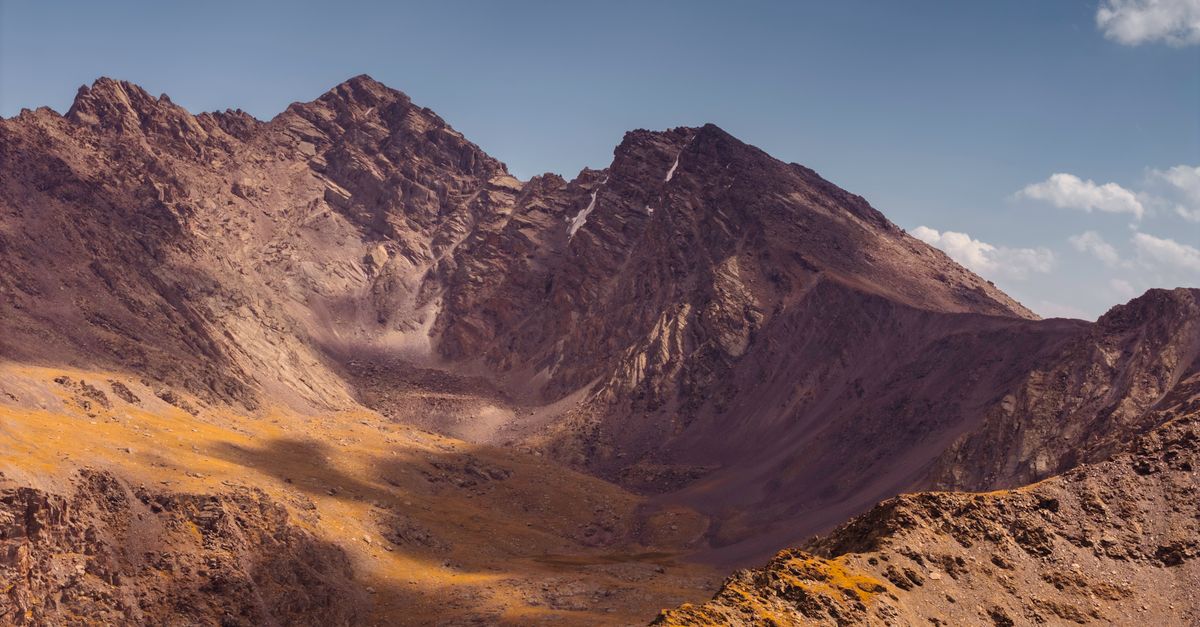
Kyrgyzstan is a trip for the outdoors: alpine lakes, horse treks, high passes and nights in yurt camps, with Bishkek and Osh as the main bases. Most travellers fly into Manas International Airport near Bishkek or Osh Airport in the south, and many arrive overland from Almaty in Kazakhstan. A HelloSIM eSIM gets you online on arrival, so you can sort transport and accommodation before you leave the terminal.
Why use an eSIM in Kyrgyzstan
- Shared taxis and minibuses are much easier to navigate with live maps showing where you actually are.
- Signs and menus are often in Kyrgyz or Russian in Cyrillic script, so a translation app with camera mode is a real help.
- Many guesthouses, drivers and trekking operators are easiest to reach by messaging app.
- Your home SIM stays in place for calls and texts, WhatsApp keeps your usual number, and the prepaid data means no roaming bill.
- You can top up the same eSIM if a trek turns into a longer trip.
Mobile data matters most in the towns between adventures, such as Bishkek, Karakol, Kochkor and Osh. That is where you check the weather, arrange the next leg and share photos from the mountains.
Get your Kyrgyzstan eSIM in 30 seconds
Instant delivery, 4G/5G speeds, no roaming bills.
Networks and coverage
HelloSIM in Kyrgyzstan connects to Beeline, on 4G. You can expect a solid connection in Bishkek and Osh, in Karakol and Cholpon-Ata, in the larger towns around Issyk-Kul and along the main highways.
Away from the towns, coverage depends on the terrain. High valleys, mountain passes and the Song-Kul plateau can have little or no signal, and multi-day treks in the Tian Shan are best treated as offline. Coverage also tends to be thin on remote roads, such as the long routes south towards the Pamir Highway.
How to get connected
- 1Check eSIM compatibility and make sure your phone is carrier-unlocked; most recent iPhones, Google Pixels and Samsung Galaxy models support eSIM.
- 2Buy your plan, then install it before you leave home by scanning the QR code from the email on Wi-Fi (iPhone: Settings → Mobile or Cellular → Add eSIM; Android: Network & internet or Connections → SIM manager → Add eSIM).
- 3On arrival, turn on the HelloSIM line, choose it for mobile data and enable Data Roaming on it. Turn off data roaming for your home line to avoid charges.
- 4If you run low, add data to the same eSIM from your account, the app or the Check / Top up page.
How much data do you need
- Light: offline maps plus messaging come to about 1 GB a week, which suits trekking-heavy trips.
- Medium: social media, browsing and photo sharing in town need around 3–5 GB a week.
- Heavy: video calls, streaming or remote work mean 10 GB or more a week.
Guesthouses and cafés in the towns usually have Wi-Fi; in yurt camps it is rare, so plan downloads before you head out.
Good to know
- Currency: Kyrgyz som (KGS)
- Capital: Bishkek
- Languages: Kyrgyz and Russian
- Time zone: UTC+6
- Plugs: Type C and F (European two-pin)
- Don't miss: Issyk-Kul lake, Song-Kul lake, Ala Archa National Park and Sulaiman-Too in Osh
Travel tips for staying connected in Kyrgyzstan
- Download offline maps of the Issyk-Kul region and any trekking routes before you leave Bishkek, and save GPS tracks for the trails you plan to walk.
- Before a multi-day trek, message your plans and expected return date to someone, as you may be out of contact for days.
- Cold nights at altitude drain batteries quickly, so keep your phone and power bank warm inside your sleeping bag.
- Save key place names in Cyrillic so you can show them to drivers.
- Following the Silk Road? The Caucasus & Central Asia plan covers Kyrgyzstan, Kazakhstan, Uzbekistan, Tajikistan, Georgia, Armenia and Azerbaijan on one eSIM.
Get your Caucasus & Central Asia eSIM in 30 seconds
Instant delivery, 4G/5G speeds, no roaming bills.
Get your Kyrgyzstan eSIM in 30 seconds
Instant delivery, 4G/5G speeds, no roaming bills.