
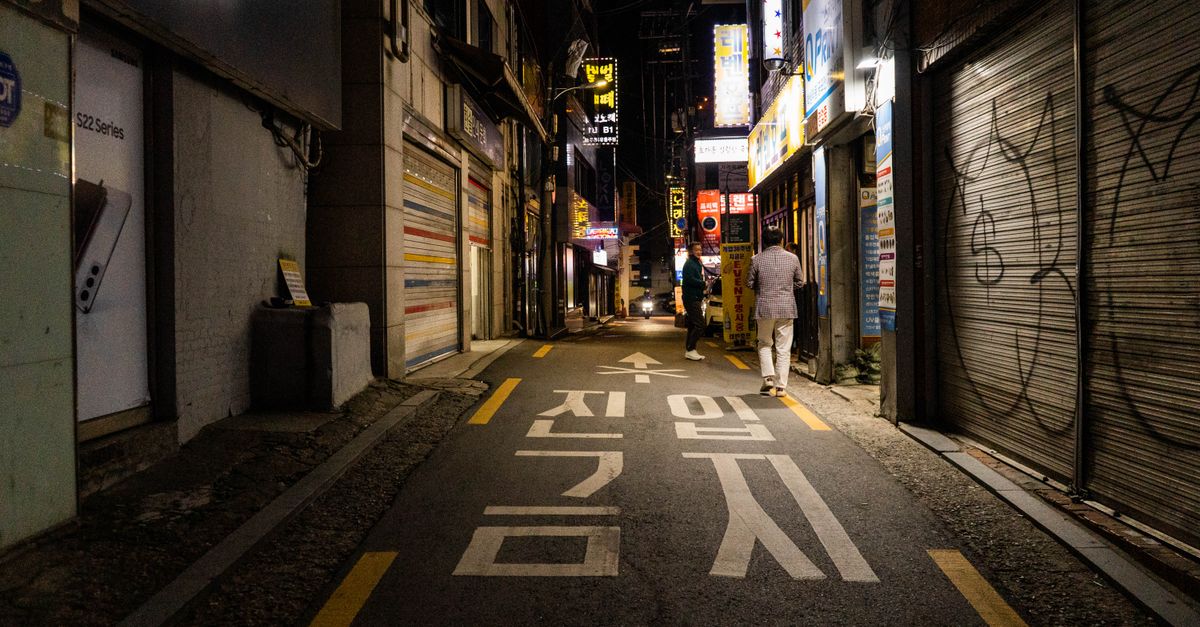
Korea Blockchain Week is a week of crypto and Web3 programming in South Korea, and for many visitors it turns into a run of talks, meetings, dinners and side events in quick succession. A HelloSIM eSIM gives you mobile data from the moment you land, and you can pay for it with crypto before you leave home. Check the official event website for this year's dates and venue; this guide covers the part the event website will not: keeping your phone, your apps and your wallet working all week.
Why a blockchain week is harder on your phone than one conference
A single conference keeps you in one building. A crypto "week" usually means a main programme plus meetups, breakfasts and parties run by different teams, each with its own location pin, registration page and group chat. You move between places several times a day and look up the next address on the way, and every step needs data: the map, the taxi, the guest-list confirmation, the message saying the room has changed.
Venue Wi-Fi does not follow you between those places, and inside a full hall it is shared by everyone opening a laptop at the same moment. Your own mobile data line keeps the day moving when the shared network slows down, and it means you never have to join a network you know nothing about just to check a balance.
Get your South Korea eSIM in 30 seconds
Instant delivery, 4G/5G speeds, no roaming bills.
Apps to set up before you fly to South Korea
Some of the apps you rely on at home behave differently in South Korea, so prepare them on your own Wi-Fi rather than in the arrivals hall.
- Maps: Google Maps has long offered only limited directions in South Korea, so many visitors also install Naver Map or KakaoMap. Search a few addresses in English before you go, so you know how each app shows them.
- Messaging: KakaoTalk is the messaging app most people in South Korea use, and local contacts may suggest it. Install it and finish the sign-up at home.
- Taxis: taxi-hailing apps are common in Korean cities. Set one up in advance and check that it accepts your payment card.
- Translation: a translation app with a camera mode helps with menus, signs and conversations with drivers.
- Event tools: the event app or registration platform, your calendar and the group chats for every side event you have signed up for.
One detail matters for a data-only eSIM. Some Korean services ask for a phone number to verify a new account, and a HelloSIM eSIM has no phone number. Your home SIM stays in the phone for calls and SMS, so verification codes go there. If an app insists on a Korean number, find an alternative before you travel rather than discovering it on the street.
How to pay for your Korea eSIM with crypto
- 1Choose the plan. Pick the South Korea plan, or the Asia Pacific regional plan if the trip continues to other countries, and check its country list.
- 2Select "Pay with crypto" at checkout. Enter the email address where the eSIM should arrive. Guest checkout works; an account is optional.
- 3Pick your coin and network on the payment page. It then shows a payment address, a QR code and the exact amount to send. USDT on TRON, USDC on Arbitrum and SOL on Solana are all on the list, but only the coin and network you select will work for that request.
- 4Send the exact amount on the exact network. The request stays open for 1 hour. From your own wallet, keep a little of the network's coin for the fee, such as TRX on TRON or ETH on Arbitrum. From an exchange, make sure the figure that arrives after any withdrawal fee is the full amount shown.
- 5Wait for the blockchain confirmation. This is usually quick on fast networks and takes longer when a network is busy. The eSIM QR code is then emailed and also appears in your account and the HelloSIM app.
- 6Install it over Wi-Fi at home. On iPhone: Settings → Mobile/Cellular → Add eSIM. On Android: Settings → Network & internet or Connections → SIMs or SIM manager → Add eSIM.
Prices are set in euros and the crypto amount is calculated at the moment of payment, so you never need to convert anything into Korean won. Send the number on the page, not one you worked out yourself.
The first hour after landing in South Korea
If you fly into Seoul, you will most likely arrive at Incheon International Airport. Before you leave the terminal:
- Switch on the HelloSIM line and set it as the line for mobile data.
- Turn on Data Roaming for the HelloSIM line. It costs nothing extra, because the data is prepaid.
- Turn data roaming off on your home line, but keep that line on for calls and texts.
- Open your map app and plan the route into the city while the terminal signage is still around you.
Validity starts when the eSIM first connects in South Korea, so buying it a week early does not use up any days. Once you are on the move, a rechargeable transport card such as T-money, sold at convenience stores, covers the subway and buses.
Wallet safety in packed rooms and side events
Crypto events attract people who want your attention for the wrong reasons, and a busy week makes it easy to approve something without reading it.
- Carry a spending wallet, not your savings. Move a small balance into a separate wallet for the trip and leave long-term holdings at home.
- Read before you connect. Booths, posters and chats will offer QR codes and links to "claim" something. Connecting a wallet and signing an approval you do not understand is how many wallet drains start, so reject anything unclear.
- Keep the recovery phrase off the trip. Never type it, photograph it or read it out. No genuine helper, booth or support agent will ask for it.
- Mind the screen. Crowded rooms put strangers at your shoulder, so use biometric unlock and lower your phone when you enter a PIN.
- Stick to mobile data for money apps. Open wallet and exchange apps on your HelloSIM line, not on networks with names you cannot verify.
How much data a blockchain week really uses
Maps, messages and email are light. What eats into a plan is everything else a conference week invites: video calls with the team at home, uploading photos and clips from panels, joining livestreams and syncing slides. If you expect to do a lot of that, choose more data than you would for a holiday. If you run low anyway, a top-up adds data to the same eSIM, so there is nothing new to install, and you can pay for it with crypto as well.
The plan works on 4G/LTE, with 5G where the plan page lists it. If your week continues to other countries in the region, the Asia Pacific plan saves you buying a new eSIM at each border; check that every stop is on its list.
Get your Asia Pacific eSIM in 30 seconds
Instant delivery, 4G/5G speeds, no roaming bills.