
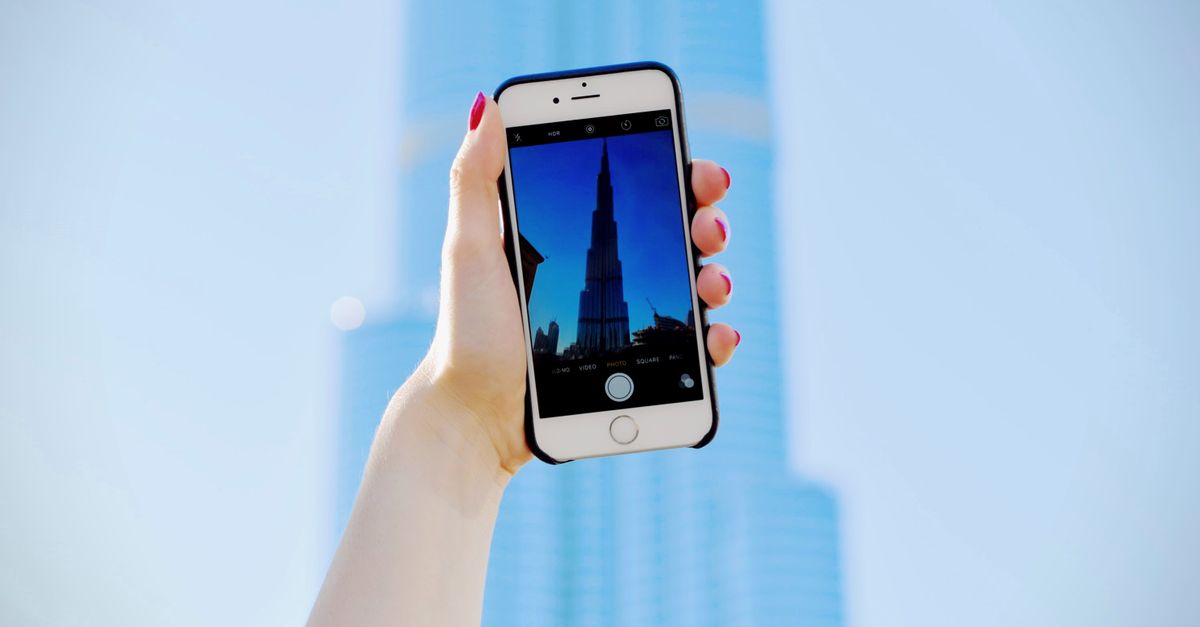
TOKEN2049 Dubai pulls people from every corner of the crypto industry into one city, and nearly everything they do there runs through a phone: the ticket QR at the entrance, messages to set up side meetings, maps, ride-hailing pick-ups and at least one wallet app. A HelloSIM eSIM for the United Arab Emirates gives you your own mobile data from the moment the plane lands, so none of that depends on airport, hotel or venue Wi-Fi.
This guide covers what stays the same every year: paying for the eSIM with crypto before you travel, switching it on at the airport, crowded networks, and protecting your funds among strangers who know what a seed phrase is worth. For this year's dates and venue, check the official event website.
Get your United Arab Emirates eSIM in 30 seconds
Instant delivery, 4G/5G speeds, no roaming bills.
Size the plan to your whole stay, not just the event
Very few people fly in for the main stage alone. There are evening side events, team dinners, a day of meetings before or after, and often a stop somewhere else on the way home. Count every day from landing to departure, and leave headroom for heavy days of video uploads or long calls from your hotel room.
Validity starts when the eSIM first connects at your destination, not when you buy it, so sorting it out early costs you no days. If you run low, a top-up adds data to the same eSIM.
Dubai is also one of the world's busiest transit hubs, and plenty of attendees fly onward. If your trip continues beyond the UAE, the HelloSIM Global plan covers many destinations on a single eSIM, so you install once. If the UAE is your only stop, a UAE plan is simpler.
Paying for the eSIM with crypto before you fly
Do this at home a few days before departure. Blockchain confirmation is usually quick on fast networks and slower when a network is busy, and the boarding gate is the wrong place to wait.
- 1Choose the UAE or Global plan on the HelloSIM website or in the app, and enter the email address where the eSIM should go. Guest checkout works; an account is optional.
- 2At checkout, select "Pay with crypto".
- 3On the payment page, choose your coin and network. Many people in this crowd hold USDT, which HelloSIM accepts on TRON (TRC-20) and TON among other networks, but the payment page is the list to follow.
- 4Send the exact amount shown, to the address shown, on the network shown. The request stays open for 1 hour; if it expires, create a new one at checkout rather than sending to the old address.
- 5Once the payment is confirmed on the blockchain, the eSIM QR code arrives by email and also appears in your account and the app.
Two details trip people up. Sending USDT from your own TRON wallet needs a little TRX for the network fee, and USDT on TON needs a little TON; only fill in a comment or memo if the payment page shows one. And if you withdraw from an exchange, check whether it subtracts its fee from the amount you type: the sum that arrives has to match the payment page. Network fees are the sender's to pay, on top of the amount.
Prices are set in euros and the crypto amount is calculated at the moment you pay, so never reuse a figure from an earlier attempt. Crypto payments cannot be reversed like a card chargeback, and all sales are final once the eSIM is delivered, so check before you confirm and keep the transaction hash (TXID) with your order email.
Then install the eSIM over Wi-Fi. On iPhone, go to Settings → Mobile (or Cellular) → Add eSIM. On Android, look under Settings → Network & internet or Connections → SIMs or SIM manager → Add eSIM. Your phone must support eSIM and be carrier-unlocked.
Landing in Dubai: online before baggage claim
Most visitors arrive at Dubai International (DXB), while some flights use Dubai World Central (Al Maktoum International). The routine is the same at both once you are on the ground:
- Switch the HelloSIM line on and choose it as the line for mobile data.
- Turn on Data Roaming for the HelloSIM line. It costs nothing extra, because the data is prepaid.
- Turn data roaming off on your home line so it cannot run up charges in the background.
- Leave the home line on for calls and SMS if you rely on it for bank or exchange codes.
From DXB, the Dubai Metro Red Line stops at Terminals 1 and 3 (most riders use the rechargeable Nol card), and there are taxi ranks outside arrivals. Ride-hailing apps need data to show your driver, which is exactly when your own connection beats hunting for an airport network login.
Conference halls, side events and crowded networks
When a hall fills up and everyone opens the same event app at once, venue Wi-Fi is usually the first thing to slow down, and mobile networks can feel the strain as well. A few habits keep you working:
- Save your ticket QR code, hotel booking and the day's meeting list as screenshots or offline files before you leave the hotel.
- Download an offline map of Dubai; the city is spread out and you will move between districts.
- If a page will not load, walk out of the main hall into a corridor or foyer. Congestion often changes within a short distance.
- If a network that looks like the venue's asks you to connect a wallet or hand over personal details, disconnect and go back to mobile data, which HelloSIM provides on 4G/LTE, with 5G where the plan lists it.
Staying reachable while you are in the UAE
A HelloSIM eSIM is data-only, so it comes without a phone number. People reach you through apps that work over data, such as WhatsApp or Telegram messages, while your home SIM stays in the phone for calls and SMS at your home carrier's rates. That matters because many exchanges and banks send login or withdrawal codes by SMS; an authenticator app, set up before you travel, avoids the question altogether.
Internet calling features do not behave the same way in every country. If a voice or video call matters, test your usual app soon after landing, not right before an important meeting.
Wallet safety in a room full of crypto people
A crypto conference is one of the few places where strangers can fairly assume you hold digital assets, and anyone with bad intentions knows that too. Treat your phone as the wallet it is.
- Carry a spending wallet, not your savings. Move a small balance for the trip into a separate wallet and leave long-term holdings in cold storage at home.
- Never type, say or photograph your seed phrase at the event, in your hotel room or anywhere a camera could catch it. No genuine booth, help desk or giveaway will ever ask for it.
- Read QR codes before you trust them. Flyers and stickers are easy to fake; check what a code opens before approving anything, and try demos with an empty wallet.
- Mind your screen. Busy lounges and hotel lobbies invite shoulder-surfing, so angle the phone away when you open a wallet or exchange app.
- Lock everything. Use a strong phone passcode, biometric locks on wallet and exchange apps, and switch on your phone's find-and-erase feature.
Heat, batteries and other Dubai basics
Dubai is very hot for much of the year, and phones dislike heat: a handset left in direct sun may dim its screen or pause charging. Keep it in a bag rather than on an outdoor table, and carry a power bank. Indoors the air conditioning is strong, so a light layer helps during long sessions, and most sockets take the three-pin Type G plug used in the UK.
Before you leave home, save HelloSIM support on WhatsApp and [email protected] in your contacts. Support answers within 24 hours, and your order email and transaction hash make any question quicker to resolve.
Get your Global eSIM in 30 seconds
Instant delivery, 4G/5G speeds, no roaming bills.