
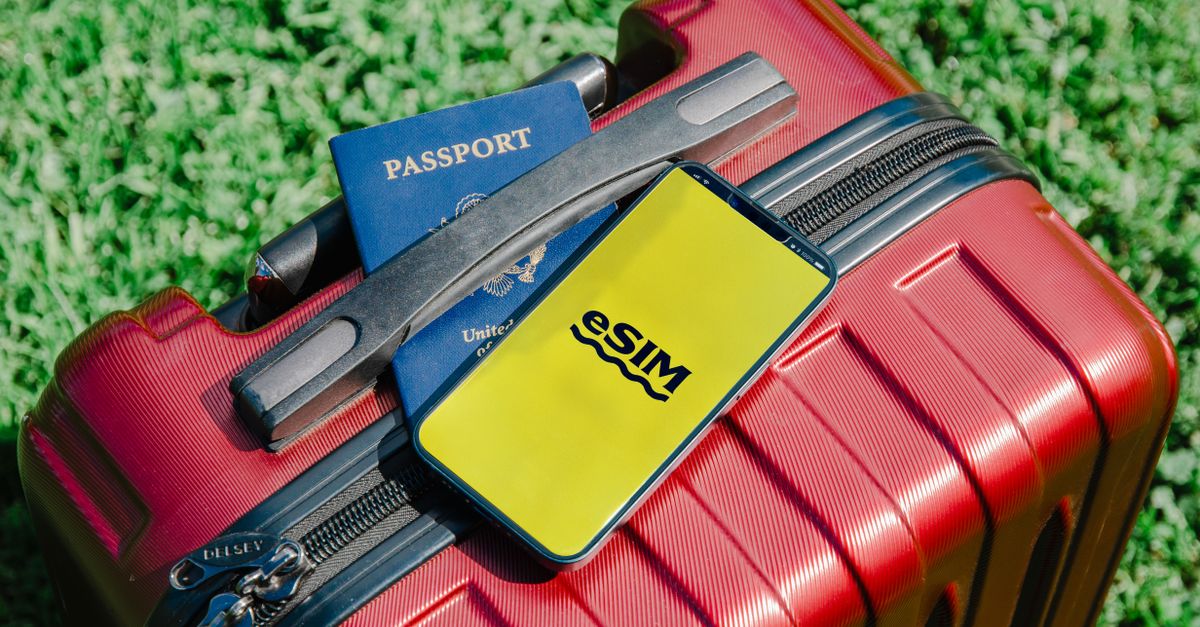
Most wahala wey travel eSIM dey give na really timing wahala. Dem download di eSIM on top airport Wi-Fi wey no steady, dem on am too many days early, or dem leave am till dem dey queue for taxi with phone wey battery don die. Di correct timing simple well well: install for house, leave am like dat, and make e wake up when you land.
E go help if you separate two moments wey pipo dey often mix together. To install mean to download di eSIM profile enter your phone, one-time work wey need internet connection. To activate mean say di eSIM connect to mobile network for your destination for di first time. Dem fit happen days apart, and na exactly so e suppose be.
Get your Europe eSIM for 30 seconds
Sharp-sharp delivery, 4G/5G speed, no roaming bill.
To install and to activate na two different steps
When you install eSIM, your phone go add new line for im settings, near your usual SIM. Nothing dey finish for dis stage: no data, no days. Di line just dey wait.
Activation na wetin go happen later, when dat line find network for di kontri wey you buy am for. With HelloSIM, di plan validity dey start for dat first connection for your destination, no be when you pay and no be when you scan di QR code. So to buy and install one week early no go cost you anything, but to leave everything till you land go just add stress without any benefit.
Di best time to install: for house, some days before you travel
Your parlour better pass any departure lounge for dis work, for some practical reasons:
- Connection wey dey reliable. Di download need internet, and home Wi-Fi steady pass busy airport network wey get sign-in page.
- Second screen. Phone no fit scan QR code wey dey show for im own screen, so open di email for laptop or tablet, or print am. If na only di phone you get, di manual option go work too, with di SM-DP+ address and activation code from di same email.
- Time to fix surprise. If e turn out say di phone dey locked to one network or e no get "Add eSIM" option, you go find out while time still dey to sort am out.
- Nobody dey call boarding for your ear. E easy to follow few setup screens when nobody dey call your gate.
No penalty if you early. If you like to get everything ready one or two weeks before, go ahead: di clock no go start until di eSIM connect for abroad.
Relaxed timeline from booking reach boarding
When you book di trip
Check two tins about your phone. First, eSIM support: for iPhone, look under Settings → Mobile Service (or Mobile Data) for "Add eSIM" option; for Android, look inside di SIM settings. Second, whether di phone no dey locked to one network. For iPhone, Settings → General → About go show "No SIM restrictions" near Carrier Lock when e don unlock; for Android, di fastest way na to ask your network provider. Remember say plenty iPhones wey dem sell for mainland China, Hong Kong and Macao dey use two physical SIM slots instead of eSIM.
Some days before you fly
Buy di plan for your destination, or regional plan if you go cross border. Checkout dey work as guest with only email address, and dem go deliver di QR code by email straight away; e go also dey saved for your HelloSIM account and di app. Then install am:
- iPhone: Settings → Mobile Service (or Mobile Data) → Add eSIM → scan di QR code.
- Android: Settings → Network & internet or Connections → SIMs or SIM manager → Add eSIM. Di wording dey different by brand.
Give di new line clear label like "Travel" and leave am off for now.
Di day wey you dey travel
Nothing to do, just keep di email for place wey you fit find am offline, maybe as screenshot. While you still dey on home Wi-Fi, download offline map of di area around di airport wey you go land; e no cost anything to get am.
Get your Japan eSIM for 30 seconds
Sharp-sharp delivery, 4G/5G speed, no roaming bill.
Your arrival checklist
Once di plane don land and di seatbelt sign don off, run through dis list:
- 1Off aeroplane mode.
- 2On di HelloSIM line for your mobile settings.
- 3Choose am as di line for mobile data.
- 4On Data Roaming for di HelloSIM line. You must do dis one, and e no cost anything extra becos di data na prepaid.
- 5Off Data Roaming for your home line, so your own network provider no go fit bill you for roaming.
- 6Wait for signal bars and 4G or 5G sign, then open map to confirm say data dey flow.
For iPhone, check too say "Allow Mobile Data Switching" dey off, so di phone no go quietly fall back to your home line for data. If di eSIM no connect, on and off aeroplane mode, restart di phone and make sure say network selection dey on automatic.
You wait till last minute? How to install for airport or after you land
E still dey work; e just need more care. You need internet connection for di download, so find di airport or hotel Wi-Fi first. If you dey travel with somebody, open di QR code for dia phone and scan am with your own. If you dey alone, use manual entry: copy di SM-DP+ address and activation code from di email and paste dem for di "Add eSIM" screen, and choose di option to enter details by hand.
Once di eSIM don install, continue with di arrival checklist wey dey up. Since you don already reach your destination, e go normally connect as soon as di line dey on and roaming dey on for am.
Timing mistakes wey you suppose avoid
- To delete di eSIM becos e dey show no service for house. Travel eSIM suppose connect for your destination, so no signal before you travel na normal tin. QR code na generally to install am once, so keep di eSIM for your phone.
- To on di line during layover. If regional or Global plan also cover kontri wey you just dey pass through, keep di line off until you reach di place wey you really wan use am, so di first connection go happen where you need am.
- To forget data roaming for di eSIM line. Dis switch dey often off for new line, and without am di eSIM fit show bars but no internet.
- To leave roaming on for di home line. Plenty network providers dey charge for roaming by day or by megabyte, so check your current tariff if you no sure.
- To try install di same eSIM for second phone. One eSIM na for one phone; each traveller need im own.
If your data dey low later for di trip, no need to start again: top-up dey add data to di same eSIM from di Check / Top up page, your account or di app. And if anything no gree work, write to [email protected] or open di live chat for di HelloSIM app.
Get your Global eSIM for 30 seconds
Sharp-sharp delivery, 4G/5G speed, no roaming bill.