
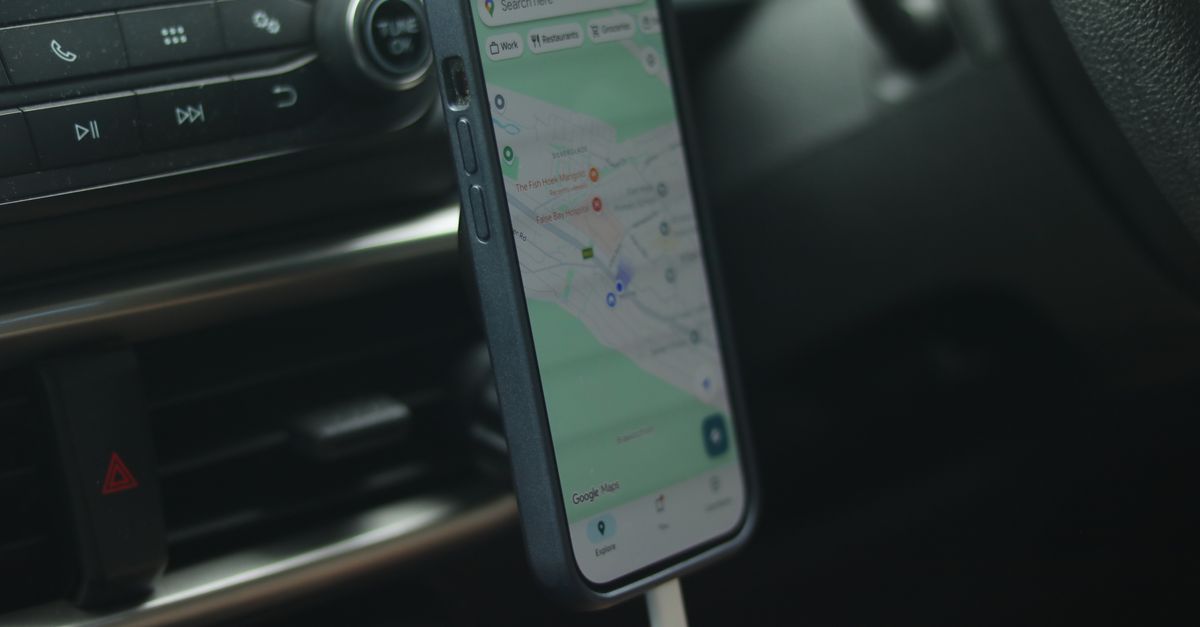
For plenty travellers, di map na di app wey dem no go like lose at all, and di good tin be say e dey among di apps wey no dey chop data too much. If you sabi wetin dey really cost data, and you get offline backup ready, you no go ever hang for street corner dey look loading wheel.
Wetin dey really use data for maps app
Your position no dey use am. Di blue dot dey come from satellite positioning, GPS and similar systems, wey dey work without mobile data. Data connection dey help di phone find you faster, but dem no dey download your location itself.
Wetin dey use data:
- Map tiles: di map itself, wey dey load as you dey move and zoom go new areas.
- Search: to look for addresses, restaurants or di pharmacy wey near pass.
- Live traffic and rerouting while you dey drive.
- Public transport times and live departures.
- Satellite view, 3D buildings and street-level pictures, wey heavy pass di standard map well well.
- Photos and reviews of places.
How much data navigation dey use?
Compared to video or social media, maps light. Traveller wey mostly dey use maps and chat apps dey fall inside di light-use group of roughly 1 GB a week. Inside dat one, di usage dey change based on how you dey use di app: few walking searches a day dey use small compared to full day of driving with live traffic and satellite view on.
Offline map dey reduce di figure more. Plenty apps dey use di map wey you download even when you dey connected, so na only live information, like traffic and search results, go need to pass through di network.
Get your Italy eSIM for 30 seconds
Sharp-sharp delivery, 4G/5G speed, no roaming bill.
Offline maps: your safety net
Offline map na part of map wey you download wey dey work without any connection at all. Set dem up for house, on Wi-Fi:
- 1Open your maps app and search for di city or region wey you dey visit.
- 2For Google Maps, tap your profile picture, then Offline maps, then Select your own map, and adjust di box to cover di area. For Apple Maps, tap your profile picture or initials, then Offline Maps, then Download New Map.
- 3Download area for every stop, plus di roads between dem if you go drive.
- 4Make di downloads refresh on Wi-Fi during di trip, as offline areas fit expire or old if you leave dem too long.
Know di limits too. Offline maps no fit show live traffic, current public transport times or opening hours wey dey up to date, and for some apps offline directions na only for driving, without walking or public transport routes. See dem as backup, no be replacement.
Transport, taxis and ride-hailing need live data
Some of di most useful travel apps no just dey work offline:
- Ride-hailing apps need data to set your pickup point, match you with driver and show di car as e dey come.
- Public transport apps dey use data for live departures, delays and platform changes. Screenshot tickets and important routes in case di connection cut.
- Rail and bus booking apps dey often need connection to buy or update tickets.
- To share your live location with di pipo wey you dey travel with need data for your side.
Na here travel eSIM dey show im value: di moment wey you step outside di terminal, dis apps go want connection. HelloSIM eSIM wey you install before di trip go connect once you land, so dem go work from di roadside, no be from di nearest café wey get Wi-Fi.
Get your North America eSIM for 30 seconds
Sharp-sharp delivery, 4G/5G speed, no roaming bill.
Small habits to explore new city
Few minutes of preparation every morning go make one day of waka easy for both your data and your mind:
- Save places before. If you star or save your hotel, restaurants and places to see, e go easy to find dem again, and plenty apps dey show saved places for offline maps too.
- Check di routes for di day on Wi-Fi. Check di waka or di public transport route while you dey chop breakfast, so you go already sabi roughly where you dey go.
- Screenshot di important tins. Address, booking reference or di correct station exit no cost anything to look later as picture.
- Keep di address for di local script where di alphabet different from your own, so you fit show am to taxi driver if app disappoint you.
Battery: di limit wey nobody dey plan for
Navigation dey keep di screen on and di location service busy, and dat one fit drain battery fast, especially for car mount inside sun. Some habits go help:
- carry power bank for walking days and car charger for driving days;
- reduce di screen brightness and depend on voice guidance with di screen dim;
- leave satellite and 3D views off when you no need dem;
- for long road wey signal weak, di phone dey work hard pass to stay connected, so consider aeroplane mode with offline map; for most phones, satellite positioning go continue to work.
Why live data still matter
Offline maps dey show you where tins dey. Live data dey tell you wetin dey happen: road wey dem close, traffic jam, metro line wey dem shut for work, museum wey close today. When you dey drive between towns or you dey depend on public transport for city wey you no know, data line wey dey work go turn di map from picture to guide.
E also dey make am easy to recover from mistakes. If you miss turning, di app go reroute you sharp sharp; if you enter di wrong bus, live departures go show you di fastest way back.
Simple setup for trip wey get plenty navigation
- 1Download offline maps for every stop while you dey on home Wi-Fi.
- 2Install your travel eSIM for house, with di QR code wey dem email you after you buy am.
- 3Install di ride-hailing and transport apps wey you go need, and sign in to dem before you fly.
- 4When you land, set di eSIM as your mobile data line and on Data Roaming for dat line only.
- 5Pack power bank or car charger.
- 6Check your usage from time to time, and add top-up to di same eSIM if you need more.
Get your Latin America eSIM for 30 seconds
Sharp-sharp delivery, 4G/5G speed, no roaming bill.