
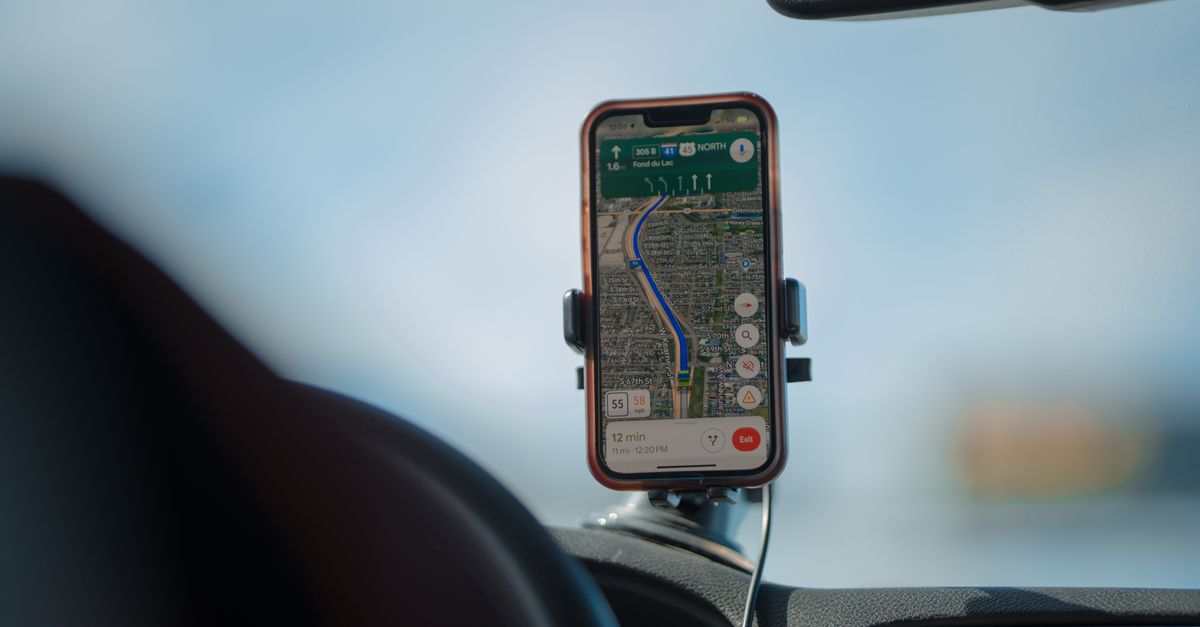
For road trip for abroad, your phone dey do di work wey before before need glovebox full of paper: e na di map, di traffic report, di fuel-price board, di restaurant guide and di hotel desk. When di road cross border, di network wey dey under you go change too, sometimes for middle of expressway. To plan your data na part of how you go plan di route, and e no go take you time like to choose where una go stop for lunch.
Wetin your phone dey do for road, and how much data e need
Live navigation na di obvious one. Map apps dey download map details and traffic information as you dey drive, and dat one light well well compared to video, but long driving days, rerouting upandan and searches for petrol station or car park go add up.
Di tins wey dey chop data pass na usually di extras:
- Music and podcasts wey you dey stream for motor, wey fit easily use pass di navigation itself for long day
- Phone mirroring for di car screen, wey dey run on your phone connection, so everything wey e show dey count for your plan
- Passengers wey dey scroll social media and watch videos between stops
- To book di room for di next night or check reviews as you dey move
For planning, think am by week: roughly 1 GB go cover navigation and messaging, 3–5 GB go add browsing and social media, and 10 GB or more na for video, video calls and work. Motor wey dey stream music all day dey near di heavy side.
How to choose plan wey fit di route
Write down every kontri wey di route go touch, including di ones wey you go only cross for one hour as you dey go anoda place. Then:
- Only one kontri, like drive along di Albanian coast or round trip for Andalusia: kontri plan go cover am.
- Plenty kontri wey dey near each oda: regional plan go keep you on one eSIM across borders. HelloSIM get regional plans for Europe, di Balkans, North America, Latin America, di Caucasus and more. Check di plan kontri list to confirm say every kontri for your route dey inside.
- Very long journey wey cover plenty regions: Global plan fit simple pass to combine plenty regional plans.
Plans dey different by data amount and number of days, so match di days to your itinerary. If one detour make di trip long pass, you fit add data to di same eSIM later.
Get your Europe eSIM for 30 seconds
Sharp-sharp delivery, 4G/5G speed, no roaming bill.
When you dey cross border: wetin dey happen to your connection
With regional or Global plan wey cover both kontri, you no need do anything to cross border. Once you enter di next kontri, your phone go find network there and connect to am. Small gap fit dey, especially for mountain pass, tunnel or border area wey far from town, and di phone fit take small time to settle on di new network.
If you still no get data after you don pass di border small:
- 1On and off aeroplane mode.
- 2Check say network selection dey on automatic for di travel line.
- 3Restart di phone if you need to.
Two border situations need attention. Near border, your phone fit catch network from di kontri wey dey near. With plan for only one kontri, dat neighbour network no dey part of your plan, so data fit stop until di phone find network back for di kontri wey your plan cover. And if data roaming dey on for your home line, your network provider fit start to charge for roaming as you dey cross. Plenty network providers dey send welcome text when you enter new kontri, and e dey good reminder to check say roaming dey off for dat line.
Offline maps: di backup wey dey always work
Coverage gap fit happen for road trip for any kontri: for deep valleys, on top high mountain pass, inside long tunnels and for national parks. Plan for dem instead of make dem surprise you.
Before you comot, while you dey on home Wi-Fi, download offline areas for di whole route for your map app. Your phone GPS dey work without mobile data, so plenty map apps fit continue to guide you along route wey you don download even when signal no dey. Wetin you go lose offline na live traffic, to search for new places and rerouting around road wey dem close, and all of dem go come back as soon as signal return. E also good make you save di addresses of where you go stay and your booking confirmations offline, and download offline language pack for your translation app.
Get your Albania eSIM for 30 seconds
Sharp-sharp delivery, 4G/5G speed, no roaming bill.
Before you pick up di hire car
Di car hire desk na where plenty road trips dey really start, and e no be good place to discover say you no get data. Short routine go help you avoid am:
- Install di eSIM for house on Wi-Fi some days before you travel.
- Download offline maps for di full route.
- Pack car charger, cable wey long reach di phone mount, and di phone mount itself, so di screen go dey where you fit see am without say anybody hold di phone.
- After you land, on di HelloSIM line, make am your mobile data line and on data roaming for am, while you keep data roaming off for your home line.
- Load di route to your first stop while di motor still dey park.
Habits wey go keep you connected for road
- Keep di phone charged. Navigation with screen wey dey on all day dey use plenty battery, so plug am anytime wey di engine dey run.
- Give di phone to passenger. To search for fuel or change di destination na passenger work.
- Check your data every few days for your account or di app, and top up di same eSIM before long drive, no wait till you reach middle of di road.
- Share your live location with somebody if you dey drive late or for road wey far from town; e dey use very small data.
- Make calls on data apps. HelloSIM eSIMs na data-only, so use WhatsApp, FaceTime or similar apps for calls, while your own SIM go remain for di phone for calls and texts to your usual number.
If anything stop to work for middle of di route, di HelloSIM team fit help by email for [email protected] or through di live chat for di app.
Get your North America eSIM for 30 seconds
Sharp-sharp delivery, 4G/5G speed, no roaming bill.