
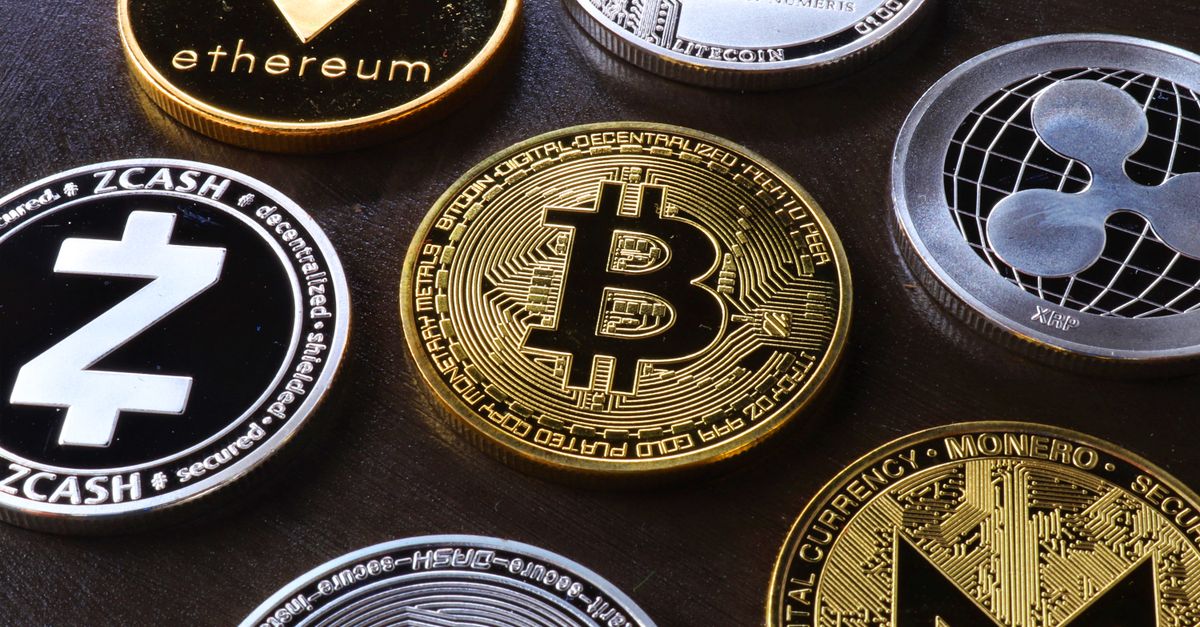
Yes, HelloSIM dey accept Monero. Choose “Pay with crypto” for checkout, select XMR for the payment page and send the exact amount wey dem show from your Monero wallet; dem go issue the eSIM once the payment confirm for blockchain.
Monero na one of about 100 coin and network options wey dey available. This guide dey stick to the practical side: how the payment dey work, wetin HelloSIM need from you, and wetin Monero users in particular suppose check before dem send.
How to buy eSIM with Monero
- 1For the HelloSIM website or for the iPhone or Android app, choose the plan wey you need. Dem dey show prices for euros.
- 2Go checkout and put email address. Na there dem go deliver the eSIM.
- 3Select “Pay with crypto”. This one go open secure hosted payment page wey HelloSIM crypto payment processor dey run.
- 4Choose Monero (XMR). The page go change the euro amount to XMR for that moment and show address, QR code and the amount to send.
- 5Open your Monero wallet and scan the code, or paste the address and type the exact amount. Then send.
- 6After confirmation, HelloSIM go issue the eSIM: you go find am for your account or the app, and the QR code to install am go come by email.
Wetin HelloSIM need from you
E good make we clear about this one, because people dey come to Monero with different expectations. Dem know Monero well well for how e dey handle transaction details for im own blockchain. Na property of the coin be that. E no change wetin HelloSIM order involve.
- Email address na must. Dem go send the eSIM go am, so the order tie to that address.
- Guest checkout dey work. You no need account to buy, though account go let you manage your eSIMs and top up later.
- You no need bank card when you dey pay with crypto.
- Your phone must support eSIM and e must be carrier-unlocked.
In short, to pay with XMR change the payment method and nothing else about the purchase.
Get your Italy eSIM for 30 seconds
Sharp-sharp delivery, 4G/5G speed, no roaming bill.
Wetin Monero users suppose check before dem send
Monero get one advantage for checkout: one network only dey, so no network menu dey wey you fit pick wrong. A few other details still need attention.
- Unlocked balance. Funds wey you just receive for Monero wallet dey locked for short period before you fit spend dem. Make sure say your balance dey spendable before you start the payment request.
- A synced wallet. Wallet wey still dey synchronise fit show old balance or fail to send.
- The exact amount. Enter the figure from the payment page exactly. If e short, the payment fit stay incomplete, while if you overpay, the order still go complete. The network fee dey on top.
- Exchange withdrawals. No be every exchange dey support Monero. If yours support am, check whether dem dey remove their withdrawal fee from the amount wey you send.
- The full address. Monero addresses long. Scan the QR code where you fit, and if you paste, check the beginning and the end.
Confirmation time and the one-hour window
The payment request dey open for 1 hour. If e expire before you send, go back to checkout and begin new one; never send go expired request. Na why you suppose get unlocked balance and synced wallet ready before you click go forward.
After you don send, dem go issue the eSIM when the payment confirm. How long e go take depend on the coin and network, and HelloSIM no dey promise any specific number of minutes. If you buy one day or more before departure, no pressure go dey. The plan validity no dey begin when you buy am; e dey begin when the eSIM first connect to network for your destination.
Refunds and wetin to do if something go wrong
All sales na final. Because eSIMs na digital and dem dey deliver am as soon as the payment confirm, dem no fit refund once dem don deliver. The only exception na verified technical fault wey HelloSIM no fit resolve.
If your payment don confirm and nothing arrive, first check say you type the email address correct and look inside your spam folder. Then contact HelloSIM support with the order email and the transaction ID from your wallet so dem fit look into the payment. Crypto payments dey available for orders of €1.00 or more.
Stay connected with XMR
HelloSIM eSIM na data-only and e dey work together with your main SIM, so you go keep your number while you dey use mobile data abroad. E dey install over Wi-Fi any time after purchase, and you fit add more data to the same eSIM later. For the current coin list and all payment terms, see HelloSIM “Pay with crypto” page.
Get your Greece eSIM for 30 seconds
Sharp-sharp delivery, 4G/5G speed, no roaming bill.