
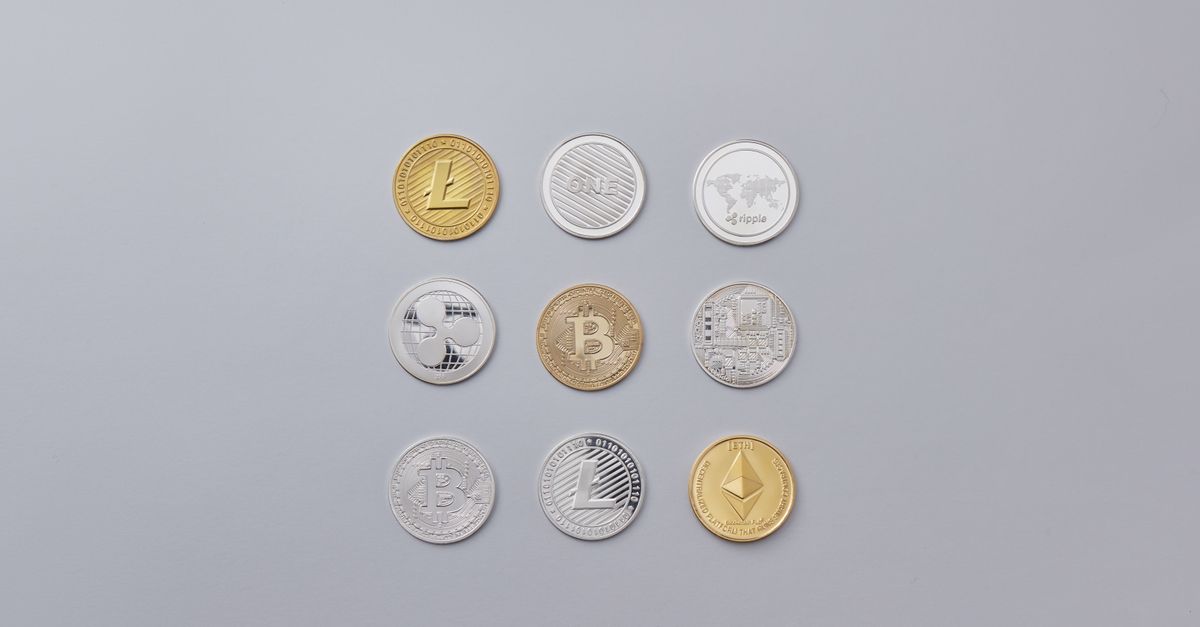
You fit buy HelloSIM travel eSIM with Solana by choosing “Pay with crypto” for checkout and selecting SOL for the payment page. If you prefer to pay with stablecoin, dem accept USDT for Solana network too.
Solana wallets dem build am for quick, small transfers, and e suit purchase like mobile data. Here na how the payment dey work, wetin dem accept and wetin dem no accept for Solana, and wetin to check before you approve the transaction.
How to buy eSIM with SOL
- 1Choose plan for your destination for the HelloSIM website or for the app. Country, regional and global plans all get price for euros.
- 2For checkout, type the email address wey go receive the eSIM and select “Pay with crypto”.
- 3For the secure payment page, pick SOL. Dem go change the euro total to SOL for that moment.
- 4Scan the QR code with your Solana wallet, or copy the address and the amount put inside am.
- 5Approve the transfer for exactly the amount wey dem show.
- 6As soon as the payment confirm for blockchain, the eSIM go show for your account or the app and dem go email you its QR code.
Stablecoins for Solana: wetin dem accept
USDT for Solana dey for the list, so if you dey keep Tether for Solana wallet you fit pay with am directly. Select USDT for the payment page and then Solana as the network.
USDC na different story. As we dey write this, dem list USDC for Ethereum, Polygon, BNB Smart Chain, Arbitrum and Avalanche, and Solana no dey among dem. The payment page dey show the current list and e fit change, so check there first. If dem no offer USDC for Solana, no send am go address wey dem mean for another coin or network. Pay with SOL or with USDT for Solana instead.
Whichever token you send, dem dey pay the Solana network fee with SOL. Wallet wey get USDT but no get SOL no fit complete transfer, so keep small SOL balance.
Get your Mexico eSIM for 30 seconds
Sharp-sharp delivery, 4G/5G speed, no roaming bill.
Wetin to check before you approve the transaction
- The amount. If you send less than the amount wey dem show, the payment fit stay incomplete. The network fee na your own to pay on top. If you overpay, the order still go complete.
- Your SOL after the fee. If you use “max” button, the transfer fit short after dem don take the fee. Put the amount yourself.
- The network for exchange withdrawals. Exchanges dey sometimes offer SOL for more than one network. Choose Solana, to match the payment page.
- The address. Use the one for the page wey dey your front, and compare the first and last characters after you paste.
- The clock. Payment request dey open for 1 hour. If e expire, start again from checkout and never send go the expired request.
How fast delivery be when you pay with Solana?
HelloSIM dey issue the eSIM when the payment confirm for blockchain. Dem know Solana generally for confirming transfers quickly and for low fees, and na big part of why people like am for everyday payments. Even so, any network fit slow down when load heavy, and HelloSIM no dey promise any specific number of minutes.
If you dey send from exchange, the exchange own processing go come first, and na often the longer wait. The practical advice na the same as for any coin: buy before you travel. The plan validity dey start when the eSIM first connect to network for your destination, so to buy early no cost you anything.
To use wallet balance for repeat purchases
If you dey top up often or you dey buy plans for several trips, you fit add money to your HelloSIM wallet with SOL or USDT, starting from €1.00, and pay for eSIMs and top-ups from that balance instantly. That one go keep the blockchain step to single transfer and later purchases no go need any waiting.
Stay connected when you arrive
The eSIM wey you go get na data-only and e dey run together with your main SIM, so you go keep your usual number. You fit install am over Wi-Fi any time after purchase, as long as your phone support eSIM and e carrier-unlocked. All sales na final, so confirm the destination and your phone compatibility first. The complete details dey for HelloSIM “Pay with crypto” page.
Get your Japan eSIM for 30 seconds
Sharp-sharp delivery, 4G/5G speed, no roaming bill.