
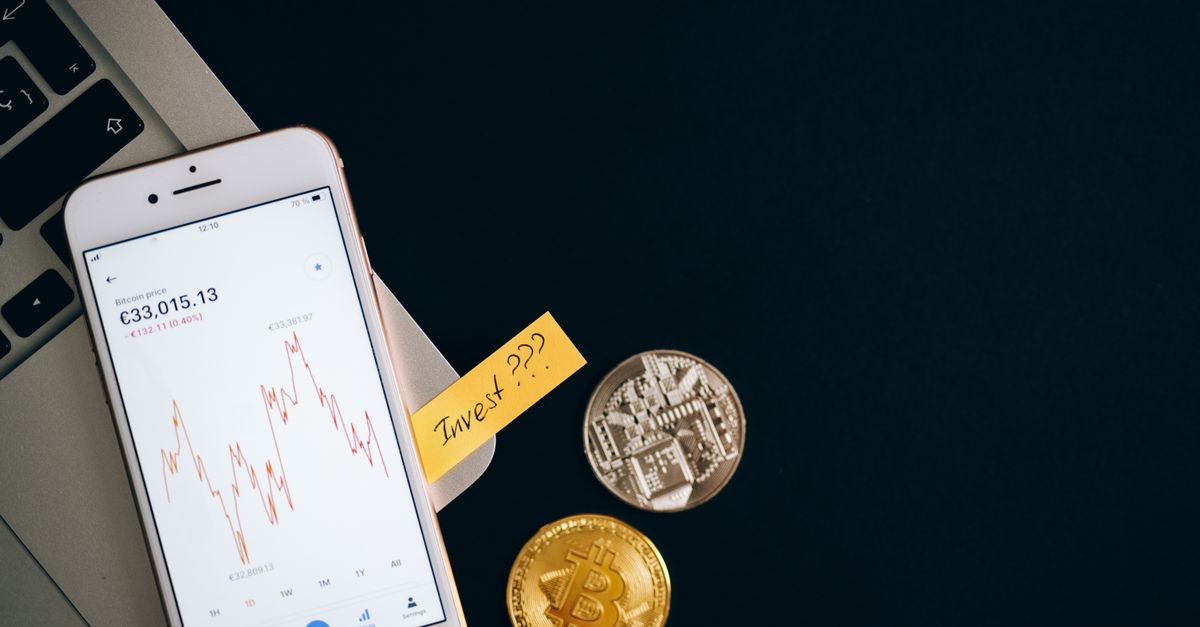
Every HelloSIM plan has its price set in euros. When you choose "Pay with crypto" at checkout, that euro figure is turned into an amount of the coin you select, and the conversion happens at the moment of payment. The result is a precise number of coins that belongs to that one payment request.
That simple idea explains several things people notice the first time they pay this way: a long string of decimals, a different figure for every coin, and a figure that is not the same as the last time they bought an eSIM. It also explains the one habit to avoid, which is sending an amount saved from an earlier payment.
The euro price is the starting point
The euro price is the fixed reference, and the crypto amount is derived from it, never the other way round. The plan and its euro price are what you are buying; the coin is simply how you settle it.
The €1.00 minimum for crypto payments is a euro figure too, just like the plan prices. That is worth remembering if you are adding a small sum to your HelloSIM wallet balance.
What "calculated at the moment of payment" means
Coins have no fixed rate against the euro. Their value moves throughout the day. Even stablecoins shift against the euro, because they are designed to track the US dollar, and the euro and the dollar move against each other.
So when you click "Pay with crypto" and choose your coin and network, the payment page works out how much of that coin matches the euro price at that moment, and shows it together with the payment address and a QR code. That figure is the amount for that payment request, which stays open for 1 hour.
You do not need to watch the market while you pay, and you do not need to calculate anything yourself. Your job is to send the figure shown, on the network shown, while the request is still open.
Get your Portugal eSIM in 30 seconds
Instant delivery, 4G/5G speeds, no roaming bills.
Why the amount is different for every coin
The same euro price produces a different number for each coin, because each coin has a different value per unit. A few patterns help make sense of what you see:
- Stablecoins (USDT, USDC, DAI): designed to track the US dollar, so the figure looks like an ordinary price. It is still not the same number as the euro price, because euros and dollars are different currencies.
- Coins with a high value per unit, such as BTC or ETH: often a small fraction of a single coin, written with many decimal places.
- Coins with a low value per unit, such as DOGE or SHIB: a long figure, sometimes with many digits before the decimal point.
None of these changes what the plan costs in euros; they are just different units for the same euro price. What should guide your choice is which coin you already hold, on which network, and whether you have the fee coin that network needs.
Same coin, different network
Some coins can be paid on several networks. USDC, for example, is accepted on Ethereum, Polygon, BNB Smart Chain, Arbitrum and Avalanche. Treat the amount as belonging to the exact coin and network you selected. If you go back and change your selection, read the amount again rather than assuming the earlier figure still applies.
Network fees sit outside this conversion. They are paid by the sender, on top of the amount, so the figure on the payment page is what has to arrive and the fee is an extra cost on your side.
Why the figure has so many decimals
A conversion from a euro price almost never lands on a round number of coins. Coins are also divisible into very small units: a bitcoin splits into one hundred million satoshis, and ether into far smaller pieces still. So the payment page shows the converted amount precisely, down to the last decimal.
Those trailing digits are part of the amount, not decoration. If your wallet or exchange shows fewer decimals than the page, copy the full figure from the payment page instead of retyping a shortened version.
Why you should never reuse an old amount
Because the amount is calculated for one payment request at one moment, a figure taken from anywhere else is out of date. These are the usual ways an old number sneaks back in:
- The request expired. After 1 hour the request closes. A new one, created from checkout, comes with its own amount and possibly its own address, calculated afresh.
- A repeat purchase. Your wallet's history or a "send again" shortcut may offer the amount from your last eSIM or top-up. Ignore it and use the current page.
- A screenshot or a note. A figure a friend sent you, or one you wrote down while comparing plans, was calculated for a different request.
- Your own calculation. A price app or your exchange's rate is unlikely to match the rate used on the payment page exactly, even if it looks close.
Sending a different amount from the one shown can fail or get stuck, and a crypto payment cannot be reversed like a card chargeback. If you have already sent an old amount, or paid to an expired request, contact support on WhatsApp or at [email protected] with the order email, coin, network and transaction hash (TXID). Do not send a second payment on top to try to fix it.
A simple routine for every crypto payment
- 1Open checkout fresh, even for a plan you have bought before.
- 2Choose "Pay with crypto", then the coin and network you actually hold.
- 3Copy the address and amount from that page straight away.
- 4Send within the hour, entering the amount in coin units rather than in euros or dollars.
- 5If the request expires before you send, start a new one and use its new figures.
Once the payment is confirmed on the blockchain, your eSIM is delivered by email and also appears in your account and the app. Install it over Wi-Fi before you leave; validity starts when it first connects at your destination.
Get your Europe eSIM in 30 seconds
Instant delivery, 4G/5G speeds, no roaming bills.