
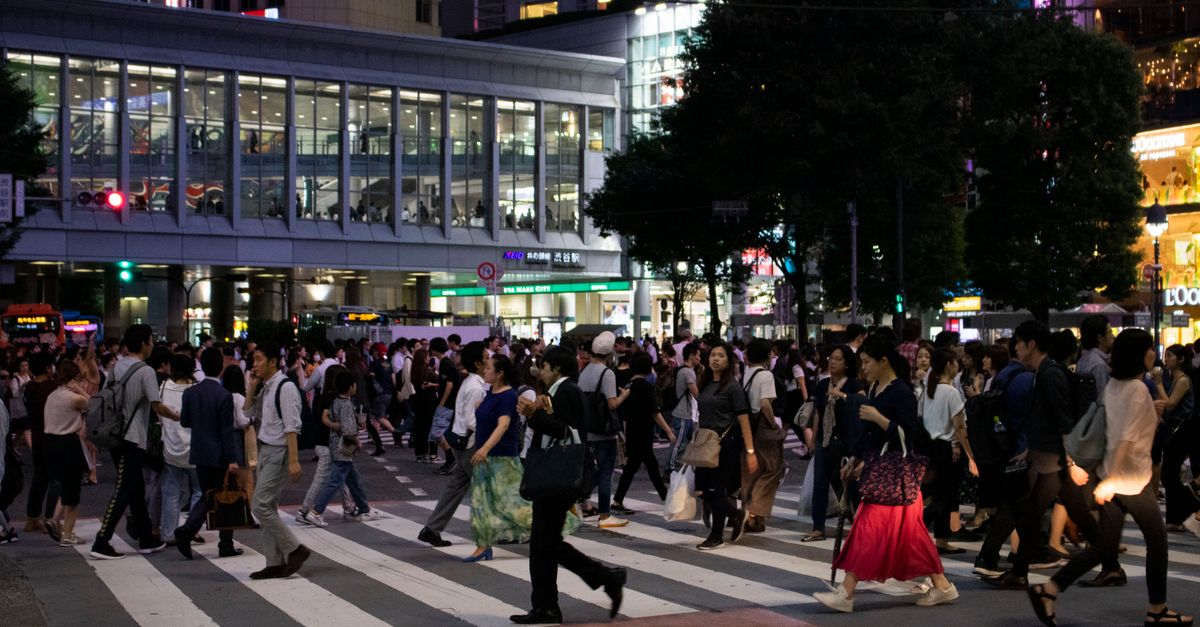
Tokyo rewards a traveller whose phone works. Train routes, station exits, IC card balances, menus in Japanese and messages from your hosts all pass through it. For anyone who also manages a wallet or an exchange account on the road, a reliable mobile data connection is the difference between a smooth week and an anxious one.
This guide starts where it should, at home, with setting up and paying for a Japan eSIM in crypto. Then it covers the two airports, the apps that make the city easy, the neighbourhoods people choose for working stays, the etiquette that matters on trains and in cafés, and how to keep crypto apps safe in a city with plenty of public Wi-Fi.
Sort the eSIM at home and pay with crypto
Buy the Japan plan a few days before you leave and install it over Wi-Fi. Validity starts when the eSIM first connects in Japan, so there is no reason to leave it until the airport.
At checkout, choose "Pay with crypto". The hosted payment page asks you to pick a coin and a network, then shows an address, a QR code and the exact amount. For a small purchase, the network choice deserves a moment's thought:
- Pick a network whose fee coin you already hold. Sending USDT from your own wallet needs a little TRX on TRON, SOL on Solana, BNB on BNB Smart Chain, POL on Polygon, TON on TON or ETH on Ethereum and Arbitrum. A wallet holding only the stablecoin usually cannot send it.
- Mind Ethereum mainnet fees. They rise and fall with demand and can be noticeable on a small payment. Arbitrum, Polygon and the other networks listed on the payment page are alternatives; choose one your wallet supports.
- Send the exact amount on the exact network shown. The price is set in euros and converted at the moment of payment, so copy the figure from the current page.
- Pay within 1 hour. After that the request expires and you create a new one from checkout.
The network fee is paid by you, on top of the amount. When the payment is confirmed on the blockchain, the QR code arrives by email and appears in your account and the app. On an iPhone, scan it under Settings → Mobile/Cellular → Add eSIM; on Android, go to Settings → Network & internet or Connections and add the eSIM from the SIM manager.
Get your Japan eSIM in 30 seconds
Instant delivery, 4G/5G speeds, no roaming bills.
Narita or Haneda: getting online on arrival
Tokyo has two international airports. Haneda is closer to the centre, with the Tokyo Monorail and the Keikyu line into the city; Narita lies further out in Chiba, linked by the Narita Express and the Keisei Skyliner. Whichever you land at, the routine is the same:
- 1Switch on the HelloSIM line while the plane taxis or as you walk to immigration.
- 2Set it as the line for mobile data and turn on Data Roaming for it. There is no extra cost; the data is prepaid.
- 3Turn data roaming off on your home line, so it stays reachable for calls and SMS without using data.
- 4Open a map app and check your route into the city before you reach the platforms.
Your phone is your ticket, map and translator
Most of what makes Tokyo easy runs on mobile data:
- IC cards: rechargeable cards such as Suica and PASMO pay for trains, subways and buses, and iPhone users can also add them to Apple Wallet.
- Transit directions: map apps give step-by-step routes across JR, subway and private railway lines, which is invaluable at huge interchanges such as Shinjuku or Shibuya.
- Translation: the camera mode in a translation app reads menus, signs and ticket machines.
- Taxis: taxi apps work in Tokyo too, which saves explaining an address you cannot pronounce.
Neighbourhoods for a working stay
Tokyo is enormous, but the rail network makes most areas practical. These are the ones people who work from a laptop often choose:
- Shibuya: long associated with tech startups, with offices, hotels and coffee shops around the station and towards Daikanyama.
- Ebisu and Nakameguro: calmer, with cafés along the Meguro River and an easy ride into Shibuya.
- Shimokitazawa: independent cafés, vintage shops and a relaxed feel, a little west of Shibuya.
- Shinjuku: a giant transport hub with a wide choice of hotels; convenient, if hectic.
- Marunouchi and Tokyo Station: the business district, ideal if your meetings are there or you plan Shinkansen trips to Kyoto or Osaka.
Quiet trains and busy cafés: working etiquette
Japanese trains are quiet. Set your phone to silent, known locally as "manner mode", and avoid voice calls on board; send a message instead and call back from the platform.
Cafés vary. Large chains are used to laptops, while some smaller cafés post signs asking customers not to work on computers, or set time limits at busy hours. Read the signs, order again if you stay a while, and take calls outside. For a full day of video calls, a coworking space with a day pass is the more comfortable option.
Staying reachable and alerted
The eSIM is data-only, so you will not have a Japanese phone number. WhatsApp, Telegram, Signal and FaceTime work as usual over data. In Japan, LINE is the messaging app most people use, so if you will meet local contacts, install it before the trip; signing up may ask you to verify a phone number, which is easiest with your own SIM at home.
Japan has earthquakes, typhoons and heavy rain. The Japan Tourism Agency publishes an app for visitors called Safety tips, which sends earthquake, tsunami and weather warnings in English and other languages. With mobile data on all day, alerts like these reach you wherever you are.
Protecting your wallet and exchange apps
Stations, shops and hotels across Tokyo offer public Wi-Fi. It is fine for browsing, but not for logging in to an exchange or signing a transaction, because you cannot be sure who runs a network or whether its name is genuine. Use the eSIM's data for anything that touches your funds.
Keep your home SIM on with data roaming off so bank and exchange SMS codes still reach you, and set up an authenticator app before you go wherever your services support one. Packed rush-hour trains make it easy for someone to read your screen, so unlock with Face ID or a fingerprint rather than typing a PIN. Never photograph or type out a seed phrase on the trip; it belongs on paper or metal, at home.
If you want to use crypto for anything in Japan beyond paying for your own data, check local rules before you do.
Ready for Tokyo
If your route continues to South Korea or elsewhere in the region, an Asia Pacific plan may cover several stops on one eSIM; check its coverage list first. For Tokyo alone, a Japan plan installed at home and switched on as you land is all you need.
Get your Asia Pacific eSIM in 30 seconds
Instant delivery, 4G/5G speeds, no roaming bills.