
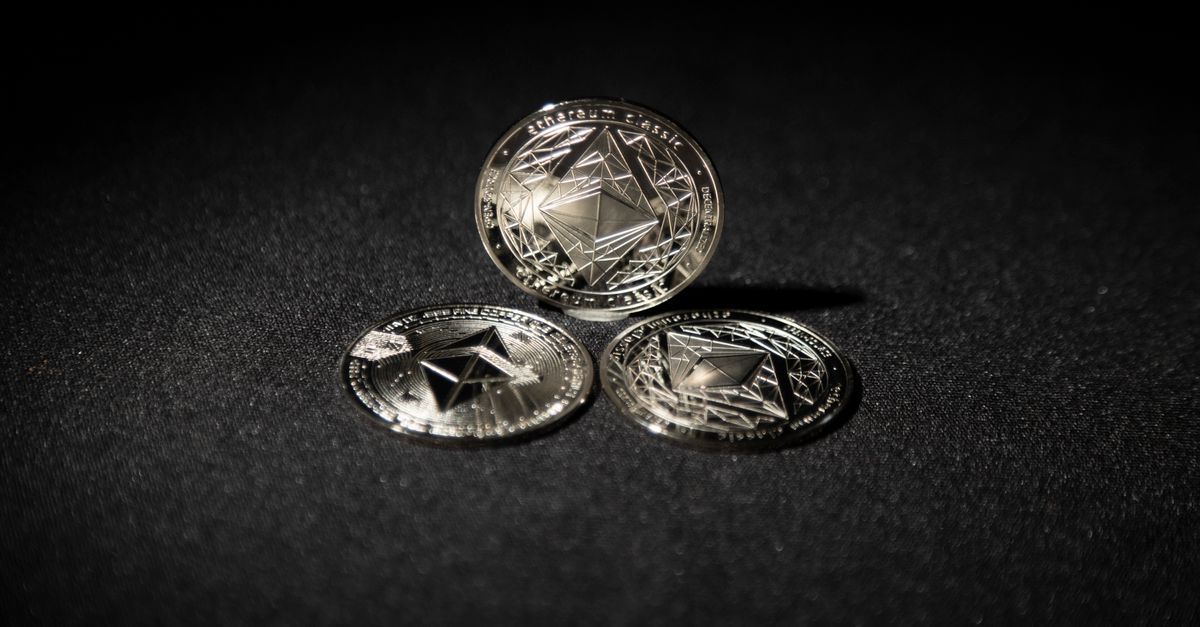
HelloSIM accepts ETH for travel eSIMs on three networks: Ethereum itself, Arbitrum and BNB Smart Chain. Choose "Pay with crypto" at checkout, select ETH and the network your funds are actually on, and send the exact amount shown; the eSIM is issued when the payment is confirmed on the blockchain.
For anyone who keeps most of their funds in ETH, that covers the main wallet setups and the most common exchange withdrawal routes. The only decision you really have to make is which of the three networks to use.
Three ways to pay for an eSIM with ETH
- Ethereum mainnet. The original network and the one every wallet and exchange supports. Fees, known as gas, move with demand and can be noticeable next to a small purchase.
- Arbitrum. A layer-2 network built on top of Ethereum. ETH is the coin you hold and also the coin you pay fees in, and those fees are generally lower than on mainnet.
- BNB Smart Chain. Here ETH exists as a BEP-20 token, a version many exchanges offer as a withdrawal option. Fees on this network are paid in BNB, not ETH.
All three use the same style of address, beginning with 0x, and a wallet will usually show the same address for you on each of them. That is convenient, and it is also why mistakes happen: nothing in the address itself tells you which network a transfer is travelling on.
ETH also exists on other layer-2 networks and sidechains. If the network holding your ETH is not offered on the payment page, do not send from it. The payment page shows the current list, which can change.
Which ETH network should you choose?
Start from where your ETH already is. Moving funds from one network to another takes an extra transaction and extra fees, which rarely makes sense for a purchase the size of a travel data plan.
- ETH in a self-custody wallet on mainnet: pay on Ethereum and accept the gas fee, or use Arbitrum if you already have a balance there.
- ETH on Arbitrum: pay on Arbitrum. You already hold the coin needed for the fee.
- ETH on an exchange: look at the withdrawal screen. Exchanges list a fee for each network, so pick whichever of the three suits you and then select that same network on the payment page.
- BEP-20 ETH in a wallet: pay on BNB Smart Chain and make sure you have a little BNB for the fee.
Get your United Kingdom eSIM in 30 seconds
Instant delivery, 4G/5G speeds, no roaming bills.
How to buy an eSIM with Ethereum: the steps
- 1Choose your plan on the HelloSIM website or in the app. Plans are priced in euros.
- 2At checkout, enter your email address and select "Pay with crypto".
- 3On the secure payment page, choose ETH and then the network: Ethereum, Arbitrum or BNB Smart Chain.
- 4The page converts the euro price into ETH at that moment and gives you an address, a QR code and the amount.
- 5In your wallet, switch to the matching network before you paste the address. Enter the exact amount and send.
- 6When the payment is confirmed, the eSIM is delivered to your account or the app, and the QR code is sent by email.
Gas fees and getting the amount exactly right
The amount on the payment page is what must arrive. Gas is paid by you on top of it, so your balance needs to cover both. Two situations catch people out.
The first is the "send max" button. If your wallet empties the balance and takes gas out of it, the amount that arrives may be lower than the amount requested, and sending less than the amount shown can leave the payment incomplete. Type the amount in by hand. If you send slightly more than requested, the order still completes.
The second is a gas setting that is too low for current conditions on mainnet. A transaction that waits a long time to confirm delays your eSIM, and the payment request only stays open for 1 hour. If it expires before you have sent anything, start a new request from checkout. Never send to an expired one.
Stablecoins on the same networks
If you hold stablecoins next to your ETH, they are accepted too. USDT can be sent on Ethereum, Arbitrum and BNB Smart Chain among other networks, and USDC on the same three, plus Polygon and Avalanche. DAI is also on the list. The same rules apply: exact amount, exact network. You will still need ETH, or BNB on BNB Smart Chain, to cover the fee.
Stay connected after the transaction confirms
An eSIM bought with ETH is a standard HelloSIM eSIM: data-only, used alongside your main SIM, installable over Wi-Fi any time after purchase, with validity that starts on first connection at your destination. All sales are final, so check that your phone supports eSIM and is carrier-unlocked before you pay. Everything else, including the current coin list, is explained on HelloSIM's "Pay with crypto" page.
Get your Spain eSIM in 30 seconds
Instant delivery, 4G/5G speeds, no roaming bills.